
Hey there! If you’ve ever looked at a QR code and thought it was some kind of tech magic, you’re not alone. But guess what? Creating your own is super simple! A QR code generator is just a handy tool that turns any link or piece of info into a scannable square barcode in no time.
These codes have become incredibly popular, especially since smartphones can read them right through the camera app. You don’t need any design skills or tech know-how to whip up your own. With a good code generator, anyone can do it!
This article will guide you through everything from picking the right type to customizing colors and even tracking scans. By the end, you might just wonder why you ever paid someone else to do this for you. Let’s dive in and make it easy!
Key Takeaways
- Creating a QR code is simpler than it seems.
- A QR generator code transforms links into scannable barcodes.
- Smartphones make reading these codes effortless.
- No design skills are needed to make your own.
- This guide covers everything from customization to tracking.
What Is a QR Generator Code and Why You’d Want One
Curious about the little black and white squares popping up everywhere? Those are known as QR codes. They are two-dimensional barcodes that can hold a wealth of information, from URLs to contact details. The term “QR” stands for Quick Response, which perfectly describes their purpose. Modern smartphones can scan these codes directly through their camera apps, making it easy for anyone to access the information stored within.
These codes have gained immense popularity. You can find them in coffee shops, on concert tickets, and even on product packaging. Their rapid adoption is due to how fast and contactless scanning is. Just point your phone, and you can instantly access whatever content someone wants to share.
A code generator is an online tool that creates these scannable squares for you. You don’t need any technical skills to use it. Simply input your URL, PDF, or contact details, and the tool will turn that information into a scannable barcode in under a second.
Many people have questions about these codes. Do they expire? Are they safe to use? The good news is that static codes have fixed data, while dynamic codes can be edited later. This flexibility means you can keep your information up to date without creating a new code each time.
The main point of using a QR code is to provide quick access to information or web links without typing anything. It’s all about making life easier for everyone.
Quick intro to QR codes and their growing popularity
As we’ve seen, QR codes are everywhere. They’re not just a passing trend; they’re a part of our daily lives. From restaurant menus to event registrations, their uses are endless. This growing trend shows how much we value quick access to information.
How a QR generator code simplifies creating your own QR codes
With a code generator, anyone can create their own QR codes in just a few clicks. This simplicity opens up a world of possibilities for businesses and individuals alike. Whether you’re promoting an event or sharing your contact information, these tools make it easy.
| Type of QR Code | Description | Example Use |
|---|---|---|
| Static | Fixed data that cannot be changed | Business cards |
| Dynamic | Editable data that can be updated | Marketing campaigns |
| URL | Links to websites | Product promotions |
| Contact | Stores contact information | Networking events |
Easy Steps to Generate Your Own QR Code
Creating your own scannable link is easier than you think! Let’s break it down into simple steps that anyone can follow. You’ll be amazed at how quickly you can generate your own code.
Picking the right QR code type for your needs
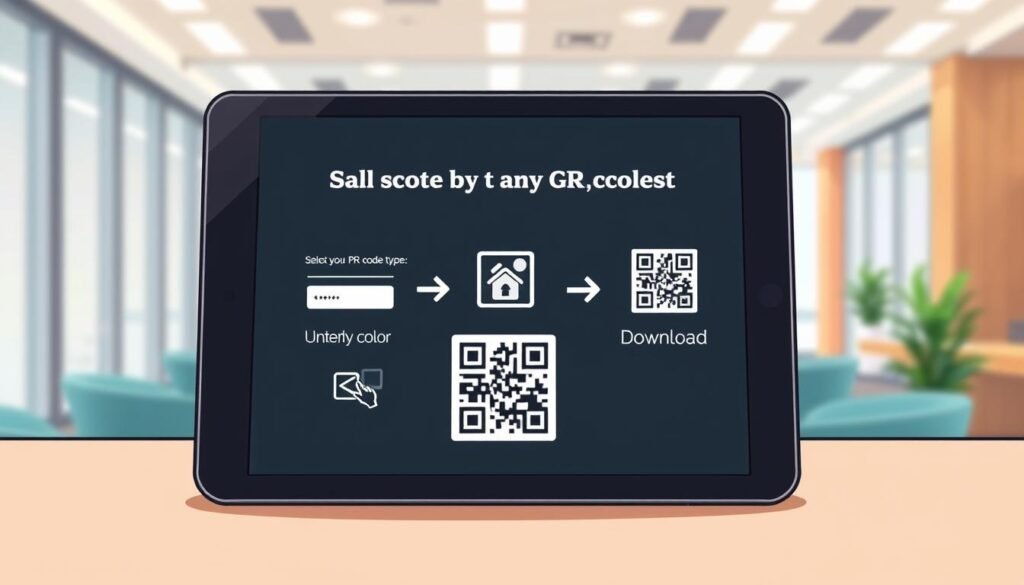
First things first, decide what kind of content you want your code to link to. Whether it’s a website URL, a PDF menu, or your contact information, picking the right type upfront saves time later. Each type is designed to handle different kinds of information.
Customizing your QR code — colors, style, and logos
Now, let’s move on to the fun part: customizing your design! You can choose your brand colors and decide between classic squares or rounded dots. Just remember to keep enough contrast so phones can easily scan it. Adding a logo is a great touch for brand recognition, and most good tools let you upload one right in the app.
Saving and sharing your new QR code fast
Once you’ve got your design just right, it’s time to download your code. You can save it in PNG format for most uses, but SVG is better for print since it scales without losing quality. The whole process takes maybe a minute or two. Once you generate your code, you’ll see how easy it really is!
| Step | Description |
|---|---|
| 1 | Choose the type of content your code will link to. |
| 2 | Customize your design with colors and logos. |
| 3 | Download your code in PNG or SVG format. |
| 4 | Share your code wherever you like! |
For more details on creating your own QR codes, check out this guide!
Different Types of QR Codes You Can Create with a QR Generator Code
Understanding the various types of scannable barcodes can help you choose the right one for your needs. There are two main categories: static and dynamic codes. Each serves a different purpose and has unique features that can benefit you in various situations.
Static vs dynamic codes: what’s the difference?
Let’s start by clearing up the static-dynamic confusion. Static codes are set in stone once you make them. This means the information they contain cannot be changed later. They are perfect for things that won’t change, like your personal contact details or a link to your portfolio that has been the same for years.
On the other hand, dynamic codes give you the power to change where they point later. This flexibility is essential when you might want to update the destination without reprinting everything. For example, if you need to swap out a menu PDF or change a promotional URL, dynamic codes are the smarter choice.
Common QR code types: URLs, PDFs, contacts, texts, and more
Now, let’s look at some common types people actually use:
- Website links: Direct users to a specific URL.
- PDF downloads: Share documents easily.
- vCard contacts: Save contact information straight to someone’s phone.
- Plain text messages: Display messages without links.
- Email shortcuts: Create a pre-written email.
- SMS codes: Send a pre-written SMS or dial a phone number automatically when scanned.
When to use dynamic codes for flexibility and tracking
Dynamic codes also unlock scan tracking, allowing you to see how many people actually engaged with your content. This feature is especially useful for marketing campaigns where you want to measure success. A good code generator lets you pick from all these types in one place, so you’re never stuck using the wrong format for your information.
| Type of Code | Description | Best Use Case |
|---|---|---|
| Static | Fixed data that cannot be changed | Business cards |
| Dynamic | Editable data that can be updated | Marketing campaigns |
| URL | Links to websites | Product promotions |
| Documents for download | Menus or brochures | |
| vCard | Contact information storage | Networking events |
| SMS | Pre-written text messages | Customer engagement |
How to Make Your QR Code Truly Yours by Customizing Design
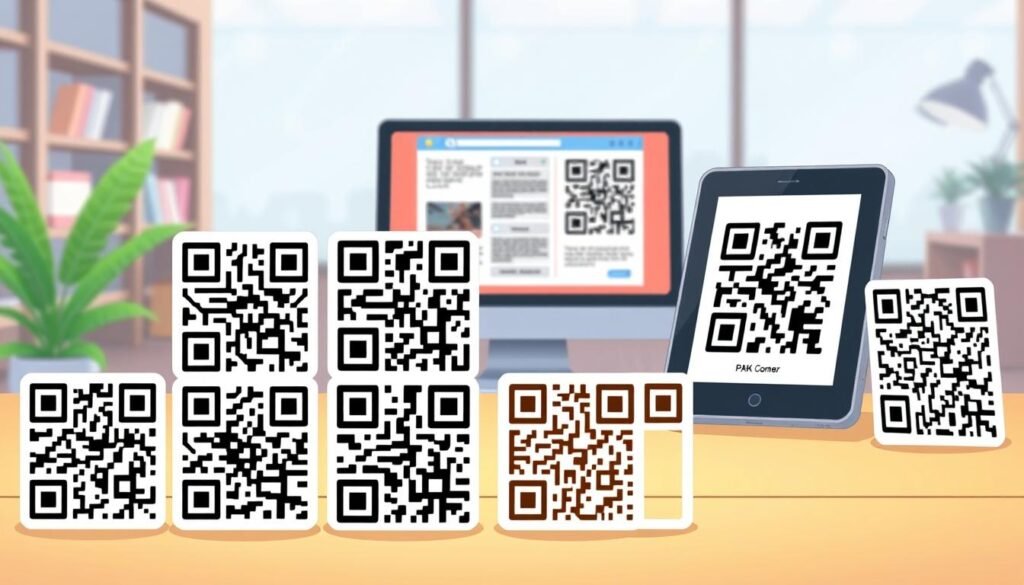
Making your scannable code unique is a fun way to stand out. Customizing your design can transform it from a plain black-and-white square into a vibrant representation of your brand. This section will explore how to play with colors, add logos, and avoid common design mistakes.
Playing with colors without losing scannability
Color can breathe life into your design. However, it’s crucial to maintain contrast. The foreground should always be darker than the background. This contrast ensures that scanning works effectively. You can experiment with different colors and even gradients. Just remember, if you go too light, your code might become unreadable.
Most tools allow you to adjust colors using a hex code picker. This feature helps you preview your design in real time, making it easier to find the perfect combination.
Adding a logo to boost your brand in the QR code
Incorporating a logo into your code can significantly enhance brand recognition. You can add a logo to the center of your code without sacrificing functionality. Thanks to error correction, up to 30% of your code can be covered by a logo and still scan correctly.
Most code generators let you upload your logo image directly. This means you can create a personalized logo code that stands out. It’s a small touch that can make a big difference when someone scans your code.
Avoiding design mistakes that break your QR code
While customizing is exciting, it’s essential to avoid common pitfalls. Here are some mistakes to watch out for:
- Making the code too small can hinder scanning.
- Using colors that blend together can confuse scanners.
- Covering the corner squares, which help phones detect the code, can render it unreadable.
- Distorting positioning patterns or shrinking the quiet zone around the code can lead to errors.
Always test your finished logo code with different phones and scanning apps before printing. This ensures everything works as intended. Taking these steps can help you create a stunning and functional design.
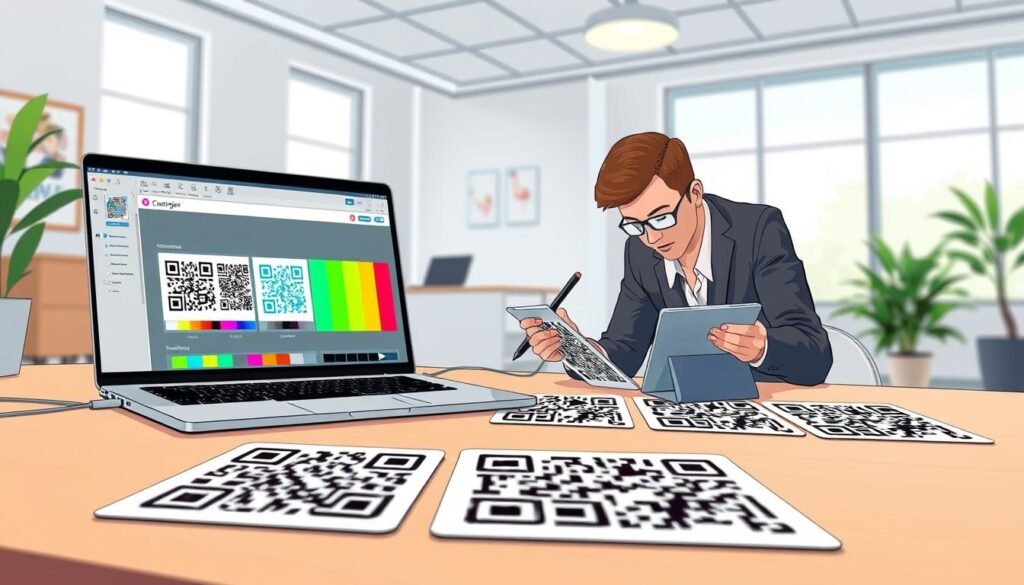
| Design Element | Best Practices |
|---|---|
| Colors | Maintain contrast; dark foreground, light background. |
| Logos | Add to the center, ensuring it covers no more than 30% of the code. |
| Size | Keep the code large enough for easy scanning. |
| Testing | Always test with multiple devices before finalizing. |
By following these guidelines, you can create a visually appealing and functional code that represents your brand well. For more design options and features, check out this tool!
Where to Place QR Codes for Maximum Impact
Let’s explore the best places to showcase your scannable links for maximum engagement. Effective placements can make all the difference in how people interact with your codes. Here are some practical ideas to get you started.
Packaging, flyers, and business cards
Packaging is one of the smartest spots for a QR code. Consider placing a code on your product box that links to setup instructions or a how-to video. This provides customers with immediate access to valuable information, enhancing their experience.
Flyers and posters are classic marketing tools. Here, a QR code can bridge the gap between your printed materials and your website or event registration page. This connection can drive more traffic and increase sign-ups.
Business cards are another perfect home for a vCard code. This allows someone to save all your contact details with one scan instead of typing everything out. It’s a convenient way to share your information!
Storefronts and signage
Don’t overlook storefronts and signage. A QR code on your window works 24/7, even when you’re closed. It lets people browse your menu or check reviews at their convenience. This can significantly enhance customer engagement.
Digital uses like email signatures and tables
In the digital realm, consider adding a QR code to your email signature. This allows recipients to book a meeting or visit your site without hunting for a link. It streamlines communication and makes it easier for others to connect with you.
Lastly, think about tables and counters in restaurants or waiting rooms. Here, codes provide customers quick access to menus, feedback forms, or special offers. It’s a simple way to enhance customer service and interaction.
Remember to size your codes appropriately for the distance they’ll be scanned from. For print, a minimum size of 0.8 x 0.8 inches is recommended. For digital uses, aim for at least 300×300 pixels. Always leave some blank space around the edges to ensure scannability.
Keep Track and Update Your QR Codes with Dynamic Features
Keeping track of your scannable links has never been easier. Dynamic codes allow you to change where your links point anytime. This means if you printed a thousand flyers with a broken link, you can just update it online. No need to reprint everything!
Another fantastic aspect is scan analytics. With this feature, you get real data on how your codes are performing. You can see how many people scanned your code, where they were, and what kind of phone they used. This kind of marketing data is invaluable for figuring out if your campaign is actually working or if it needs a tweak.
You’ll also find details like scan times and locations. Knowing when and where your audience engages most can help you plan better. It’s all about maximizing your impact!
Collaboration features let your team access the same dashboard. This means your designer, marketer, and manager can all work on codes together. Having all your dynamic codes in one place makes managing multiple campaigns much less chaotic.
While some of these features come with paid plans, the time and money saved by not reprinting materials usually covers the cost pretty fast. For just $5 a month, you can access these dynamic features and streamline your workflow.
| Feature | Description |
|---|---|
| Change Links Anytime | Edit the destination URL without reprinting. |
| Scan Analytics | Track number of scans, unique users, and devices used. |
| Collaboration | Allow up to 5 team members to manage codes together. |
| Real-Time Insights | Access scan data in real time for informed decisions. |
Smart Ways Different Businesses Use QR Codes
In today’s fast-paced world, businesses are finding innovative ways to use scannable links. These barcodes are more than just a trend; they provide practical solutions across various industries. Let’s take a look at how different sectors are utilizing these handy tools.
Retail and real estate quick access
Retail stores are embracing these codes to enhance the shopping experience. Imagine walking down an aisle and seeing a shelf tag with a scannable link. Customers can scan it to read reviews or get product details right on their phone. This feature not only informs shoppers but also helps them make quicker decisions.
In real estate, agents are placing codes on yard signs. These links lead potential buyers to virtual tours of the properties. This allows people passing by to explore homes without needing to schedule an appointment. It’s a great way to engage buyers and showcase listings effectively.
Healthcare, education, and events simplified
Healthcare offices are also using scannable links in waiting rooms. Patients can check in, fill out forms, or access their medical reports without touching shared clipboards. This not only improves safety but also streamlines the check-in process.
In education, teachers are sticking codes on worksheets. These links lead to video lessons or extra practice content. This approach saves paper and keeps students engaged with interactive material.
Events like conferences and concerts are using codes on tickets and badges. This makes check-in fast and gives attendees instant access to schedules and maps. It’s a smart way to enhance the event experience.
Hospitality’s touchless service improvements
In the hospitality industry, restaurants are swapping out sticky menus for simple codes on tables. Customers can scan these links to pull up a PDF menu, place orders, or even provide feedback. This touchless service not only improves hygiene but also enhances customer satisfaction.
No matter what business you’re in, scannable links cut down on friction. They give people the information or access they need without extra steps. As we see, the possibilities are endless!
Get Started Today and See How Easy It Is to Make Your Own QR Code
Ready to jump in and create your very own scannable link? It’s easier than you think! With a free code generator, you can start making your own codes in just a few clicks.
Many platforms let you create codes for basic needs like URLs and contact details at no cost. Why not begin with something simple, like a link to your website or social media? You’ll be surprised at how quickly you’ll spot opportunities to use these codes everywhere!
Bookmark a reliable tool for future use, and remember, if you have any questions, most services offer support via phone or email. So go ahead, give it a try!
Check out this free tool to get started today!