
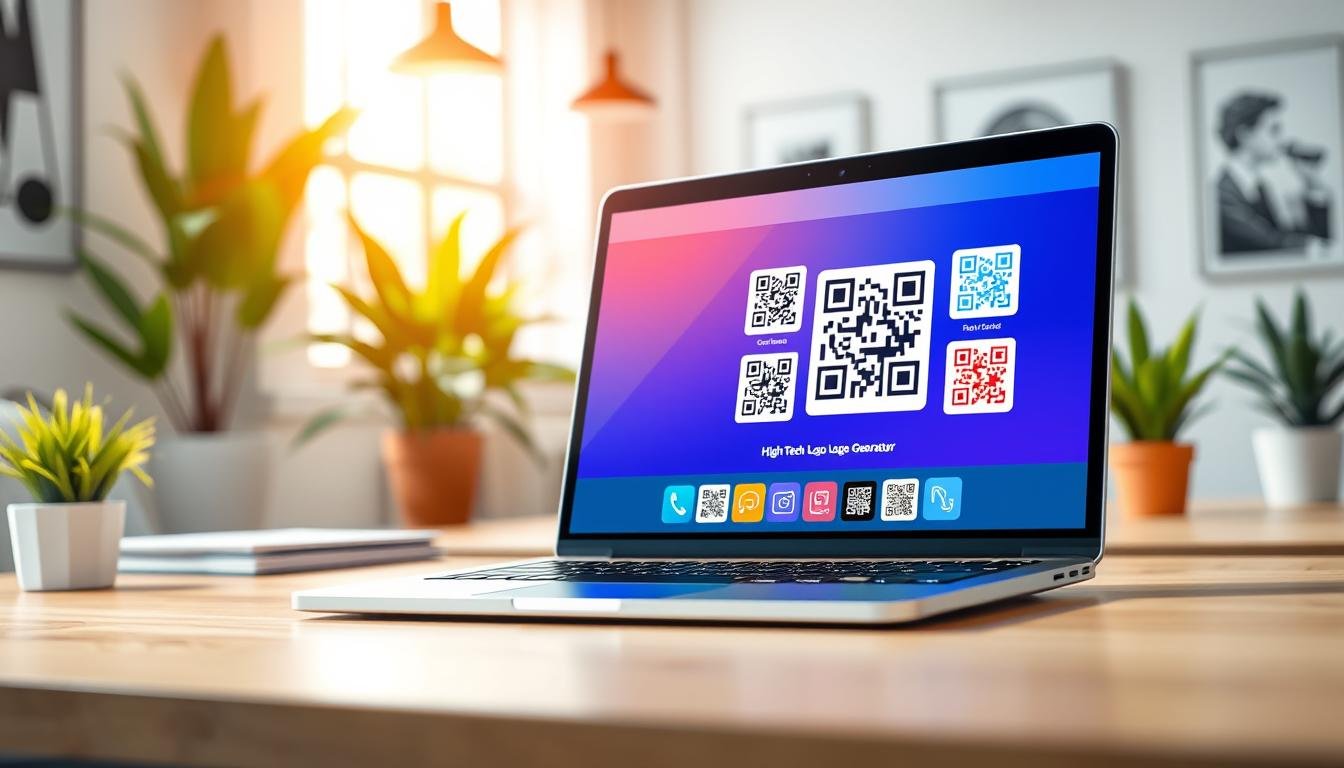
Are you tired of those plain black and white squares that don’t represent your brand? You’re in the right place! With a qr code logo generator free tool, you can easily create a custom design that showcases your brand’s identity. Imagine having your logo right in the center of that scannable square. It’s not just about looks; it’s about making a statement.
These days, you see codes everywhere—from restaurant menus to product packaging. The idea is simple: make it easy for someone to scan and access your website or special offer without typing a thing. The beauty of these tools is that they’re user-friendly. Just paste your link, choose your colors, and upload your logo.
What’s even better? The codes you create don’t expire, and there’s no limit on scans. Whether you’re a small business owner or planning an event, having a personalized code can elevate your marketing game. Let’s explore how to make your own custom design and use it effectively!
Key Takeaways
- Create unique codes that reflect your brand identity.
- These tools are easy to use and require no tech skills.
- Generated codes don’t expire and can be scanned unlimited times.
- Perfect for various marketing materials like flyers and business cards.
- Enhance your business image with a custom design.
What’s a QR Code Logo Generator and Why Use One?
Curious about how to transform a simple scan into a powerful brand statement? A QR code logo generator is a tool that allows you to create a unique design featuring your brand’s logo within a QR code. This innovation can enhance your marketing efforts and make your brand more recognizable.
QR codes, which stand for Quick Response Codes, have been around since 1994. They were invented by a Japanese company called Denso Wave to track car parts. Today, they are everywhere—from restaurant menus to concert tickets. A QR code is a two-dimensional barcode that can hold much more information than traditional barcodes.
When someone scans a QR code with their phone camera, it reads the pattern of black and white squares. This instantly directs them to a website, displays text, or pulls up contact information without any typing. What’s remarkable is that you can place a logo in the center of a QR code without compromising its functionality. This is due to error correction, which allows up to 30% of the code to be damaged or covered while still working.
Adding your logo to a QR code is like putting your stamp on it. People see your brand before they even scan, which builds trust. A plain black and white QR code may work, but it lacks excitement. A branded design catches the eye and encourages more scans.
Who can benefit from using a free QR code logo generator? Here are some examples:
- Small Business Owners: Drive traffic to your website or social media without spending on ads. Just print the code on flyers or stickers.
- Freelancers and Creatives: A custom QR code on business cards or portfolios looks polished and professional.
- Event Planners: Include QR codes on invitations linking to RSVP pages or venue maps, making it easy for guests.
- Individuals: Whether sharing a playlist or planning a party, a personalized QR code adds a fun touch.
With a QR code logo generator, you can create a design that not only serves a practical purpose but also represents your brand effectively. The combination of functionality and aesthetics can significantly enhance your marketing strategy.
| Benefits | Details |
|---|---|
| Brand Recognition | People associate the code with your brand immediately. |
| Increased Engagement | A branded design encourages more scans and interactions. |
| Cost-Effective Marketing | Promote your business without spending on ads. |
| Easy Access | Direct users to your website or information effortlessly. |
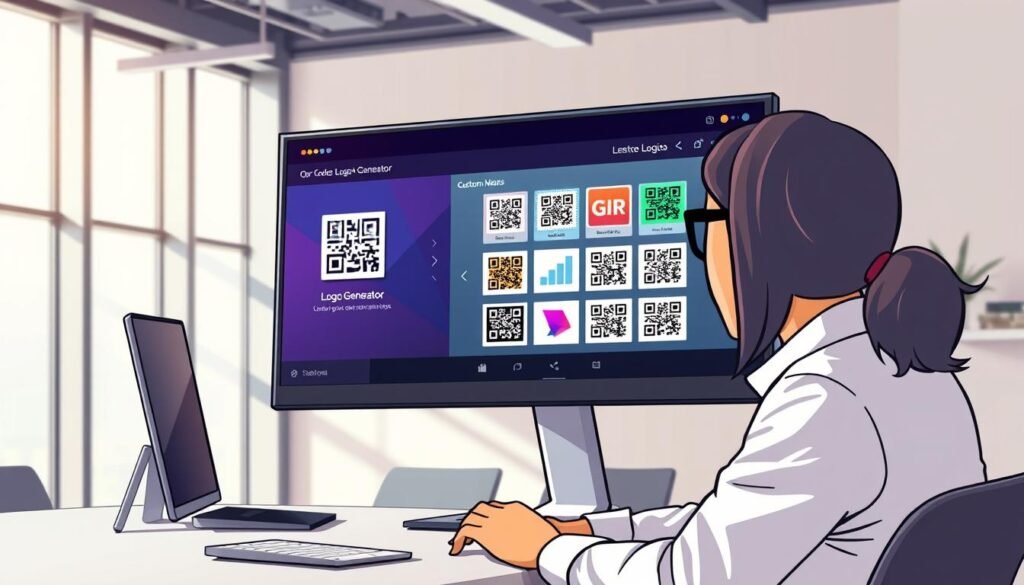
Getting Started: How to Create Your QR Code Logo in Minutes
Ready to create a stunning design that captures your brand’s essence? It’s easier than you think! Follow these simple steps to make your very own custom code in just a few minutes.
Step 1: Enter your URL or content
The first step is the easiest part. Just grab the URL you want people to land on and paste it into the code generator. This could be your website, a YouTube video, or even a plain text message. Most free generators support various content types, so you can also create codes for phone numbers, email addresses, and more.
Step 2: Customize colors, shapes, and patterns
Once your link is in, the fun starts with customization! You can pick colors for the foreground and background. Don’t feel limited to black and white—go with your brand colors or something that pops. Some tools let you play around with different body patterns and eye shapes for the code, making it uniquely yours.
Step 3: Add your logo and tweak its size and position
Now it’s time to add your logo. Upload a clean version, preferably a PNG file with a transparent background. Adjust the size and position until it sits just right in the center. Remember, your logo shouldn’t cover more than about 30% of the area. This ensures it scans reliably.
Step 4: Download your QR code and put it to work
Before you download, give the code a quick test scan with your phone. It’s better to catch any issues now than after printing flyers! When you’re happy with how it looks and scans, hit download. Grab a high-resolution PNG or a vector format like SVG. You’re ready to put that code on everything from business cards to storefront signs!
| Step | Action |
|---|---|
| 1 | Paste your URL or content into the generator. |
| 2 | Customize colors and patterns to match your brand. |
| 3 | Add your logo and adjust its size and position. |
| 4 | Test scan, then download your code in the desired format. |
Top Features of a Great qr code logo generator free Tool
Finding the right tool to create your unique scannable design can make all the difference. A quality QR code logo generator should have several standout features that enhance usability and effectiveness.
Static vs Dynamic Codes – What You Need to Know
When creating a code, understanding the difference between static and dynamic options is crucial.
Static codes are straightforward. Once you create one, the destination is locked in forever. This is ideal for unchanging links, like your website homepage or a WiFi password. On the other hand, dynamic codes offer flexibility. You can change the destination URL later without reprinting anything. This is handy for updating promotions or menus. Additionally, dynamic codes often come with scan tracking, allowing you to see how many people scanned your code and when.
High Resolution and Vector Formats for Print Quality
For print materials, the quality of your code matters. Using vector formats like SVG, EPS, or PDF ensures that your code looks sharp at any size. These formats prevent blurriness or pixelation, making them perfect for posters or business cards. High-resolution PNG files are also useful for digital applications.
No Expiration or Scan Limits
One of the biggest advantages of using a reliable generator is that many static codes do not expire and have no scan limits. This means you can create your code once, and it will work indefinitely, no matter how many times it gets scanned. In contrast, some dynamic codes may have limits on daily scans, especially on free plans.
Customization Options to Match Your Brand
A good tool allows you to customize your design to reflect your brand. You should be able to change colors, corner shapes, and body patterns. Adding your logo in the center enhances brand recognition and creates a unique look. Some generators even offer reusable templates for consistent branding across multiple codes.
| Feature | Static Codes | Dynamic Codes |
|---|---|---|
| Flexibility | Fixed destination | Changeable destination |
| Scan Limits | No limits | Often limited on free plans |
| Tracking | No tracking | Scan statistics available |
| Best Use | Permanent links | Temporary promotions |
Design Tips: Making Your QR Code Stand Out Without Sacrificing Scan Ability
Creating a visually appealing QR design is essential for attracting attention and ensuring functionality. Here are some practical tips to help you strike the right balance between aesthetics and usability.
Choosing the right colors and contrasts
The number one rule with QR code colors is contrast. The dark parts need to be noticeably darker than the light parts. Otherwise, scanners struggle to tell the difference, and your code won’t work.
You can get creative with colors, but don’t go too wild. A dark navy foreground on a white or light cream background looks sharp and scans perfectly. In contrast, light pink on white is a disaster waiting to happen.
The balance between customization and readability
Customization is great until it breaks the code. Fancy patterns and rounded corners look cool, but if you push it too far, the scanner might not recognize the QR design at all. The three big squares in the corners, called finder patterns, are crucial for telling a scanner this is a QR code. Don’t mess with those too much or cover them up with design elements.
Using logos without messing up the code
When you add your logo, keep it centered and don’t let it get too big. Remember the 30% rule: if your logo covers more than that, you’re gambling with whether the code will scan. A transparent PNG logo works best because it sits cleanly on top of the code pattern without a weird white box around it that could interfere with scanning.
Test before you print or share
Testing is not optional. Seriously, scan your code with at least two different phones—an iPhone and an Android, if you can. Different devices and apps can behave differently. Test from various distances too; a code that scans fine up close might fail from a few feet away, especially if it’s going on a sign or poster where people won’t be right next to it.
If you’re printing the code, test the actual printed version, not just the screen. Colors can shift, and paper texture can affect how well a scanner reads the pattern.
| Design Aspect | Tip |
|---|---|
| Color Contrast | Ensure dark colors are used on light backgrounds for better scanning. |
| Customization | Keep it simple; avoid complex patterns that may hinder readability. |
| Logo Placement | Center your logo and keep it under 30% of the QR code area. |
| Testing | Scan with multiple devices and test printed versions for accuracy. |
Using Your QR Code Logo for Business and Branding
Integrating a custom design into your marketing strategy can elevate your brand visibility. Using a personalized QR code not only makes your materials more interactive but also enhances user engagement. Let’s explore how you can effectively incorporate these codes into various aspects of your business.
Adding QR Codes to Business Cards, Packaging, and Marketing Materials
Business cards are a no-brainer for QR codes. Instead of making people type your email or website, they can simply scan and instantly save your contact info to their phone. A vCard QR code can include your name, phone number, email, website, and even social media links all in one scan, making it far more useful than a plain old card.
Product packaging is another smart spot for QR codes. Imagine someone buying your candle or coffee bag and scanning a code that takes them to a page with usage tips, your brand story, or a discount on their next purchase. Restaurants have been using QR codes for menus for years, but you can take it further by linking to a landing page with special offers, loyalty programs, or even a playlist that matches the vibe.
Boosting User Engagement with Easy Access to Your Info
Real estate agents have effectively utilized QR codes on for-sale signs. This allows potential buyers to instantly see photos, pricing, and schedule a showing without needing to call anyone. At events and trade shows, a QR code on your booth or flyer can send people to a signup form, a free download, or a product demo video, capturing leads while the conversation is still fresh.
Gyms and fitness studios can use QR codes on posters to link directly to class schedules or membership signups. This cuts out the friction of searching online. The key to boosting engagement is to make the payoff worth the scan. Instead of just linking to your homepage, offer something useful like a coupon, a free guide, or exclusive content.
Examples of How Businesses Use QR Codes Smartly
- Adding your logo to the QR code makes it feel intentional and branded, which builds trust and encourages more scans.
- Consider where your customers already are. Place your QR code on receipts, in email signatures, on stickers, or even on your delivery vehicle—anywhere eyes land is fair game.
- For a successful campaign, think about what valuable information or offers you can provide through the scan.
| Application | Benefit |
|---|---|
| Business Cards | Instantly saves contact info with a single scan. |
| Product Packaging | Links to tips, stories, or discounts enhancing customer experience. |
| Event Flyers | Captures leads through signups or free downloads. |
| Fitness Posters | Direct access to schedules or membership signups. |
Print and File Format Options: What Works Best Where
When it comes to using a scannable design, the file format you choose can greatly impact its effectiveness. Understanding the differences between formats is essential for ensuring your design looks great and works well in various applications.
Why vector formats like SVG, PDF, and EPS matter
Vector formats are the best choice for printed materials. Unlike regular images, vectors maintain their quality no matter how much you scale them up. This means your design will always look sharp and professional.
SVG is particularly useful because it retains all your design settings, colors, and logos. You can easily edit SVG files in programs like Adobe Illustrator or free tools like Inkscape. This flexibility allows you to make adjustments without losing quality.
PDF and EPS are also good options, but be aware that some generators may only support classic styles in these formats. This could mean your unique colors and designs might not transfer over.
Choosing the right file type for flyers, signs, and digital use
For digital use, such as social media posts or email signatures, a high-resolution PNG file is often sufficient. PNGs are widely accepted across platforms and are easier to work with.
However, if you’re creating something larger, like a poster or sign, opt for a vector format. This ensures that your design remains crisp and clear at any size.
Tips on minimum sizes and placement for scanning success
The minimum recommended size for a scannable design is about 2 x 2 centimeters. This is the bare minimum and works best if people are scanning from close range with good lighting.
Keep in mind that the more information you include, like long URLs or detailed vCards, the larger your design needs to be for reliable scanning. Placement is also crucial. Avoid putting your design in areas with glare or where users have to twist their devices awkwardly to scan.
Every design requires a quiet zone around it, which is a blank margin with no text or graphics. If you crowd the design with other elements, it may not scan properly.
When in doubt, print a test copy and scan it from the expected distance. If it works consistently, you’re good to go. If not, consider making it larger or simplifying the design.
| Format | Best For | Notes |
|---|---|---|
| SVG | Print and digital | Maintains quality and design settings |
| May not support custom designs | ||
| EPS | Classic styles only, limited customization | |
| PNG | Digital use | High resolution, easy to work with |
Security, Privacy, and Ownership Considerations
When using online tools, many people have concerns about their data safety. This is a valid point, especially when you are pasting links or uploading logos. It’s essential to understand how reputable generators handle your information.
Is your data safe when using free QR code generators?
Many users worry about what happens to their data when they use a free online tool. Reputable generators like QRCode Monkey are clear about their policies. They do not save or reuse your data. While they may cache your code image for a day to optimize performance, your content isn’t stored long-term.
QR Planet also prioritizes user privacy. They follow GDPR standards, ensuring they do not process personal data without consent. This commitment to security is vital for users concerned about their information.
Understanding what static and dynamic codes mean for editing
Static codes are straightforward; once created, the destination is locked in forever. This is ideal for links that don’t change, like your homepage. It also enhances security, as no one can hijack your code and redirect it elsewhere.
On the other hand, dynamic codes offer flexibility. You can change the destination URL anytime through a dashboard. However, this means you must keep your account secure with a strong password. This prevents unauthorized changes to where your codes point.
Using QR codes responsibly to protect your brand and customers
If you use these codes for your business, it’s crucial to test them regularly. Ensure they still lead to the correct destination, especially if using dynamic codes. Avoid linking to unsecured pages; your customers trust you, and a sketchy link can damage your brand.
Transparency is key. Consider adding a small note next to your QR code, like “Scan for our menu” or “Scan to get 10% off.” This builds trust and sets clear expectations for users.
Lastly, you own the QR codes you create with these tools. There are no hidden claims, and you can use them for commercial purposes without owing anyone anything.
Answers to Common Concerns About Free QR Code Logo Generators
Many users have questions about using online tools for creating custom designs. Let’s tackle some of the most frequently asked questions to help you feel more confident about your choices.
Do QR codes ever expire?
Here’s the short answer on expiration: static codes from good generators never expire, period. They’ll work as long as the content they point to is still active. Dynamic codes are a little different. Free accounts might have some limits, like a daily scan cap, but the code itself won’t just stop working one day out of nowhere.
How many scans can I expect?
As for how many scans you can get, with static codes, there’s literally no limit. A million people could scan it, and it would keep on working just fine. This makes them an excellent choice for businesses looking to maximize engagement.
Troubleshooting scan issues
If your QR code isn’t scanning, the first thing to check is the URL itself. A tiny typo, like a missing letter or an extra slash, can break the whole thing. Codes with a lot of data packed into them, like a detailed vCard with multiple phone numbers and addresses, can be harder for some scanner apps to read. Try simplifying the content if you can.
That logo you added might be the culprit too. If it’s too big or positioned weirdly, it can interfere with scanning. Try temporarily removing it to see if the code works without it. Contrast problems are sneaky; what looks fine to your eyes might not be enough for a scanner. Make sure the dark parts are really dark and the light parts are really light.
Different scanner apps behave differently, especially with vCard codes. If one app mixes up the contact fields, try a different scanner app before assuming your code is broken. The camera on older phones sometimes struggles with QR codes that have a lot of design elements. If you know your audience might not have the latest devices, keep the design simpler.
If all else fails, generate a fresh code with the same content but less customization. Test it on multiple devices, and work your way back up to the fancy design once you know the basic version works.
Ready to Make Your Custom QR Code Logo? Let’s Get Going
Eager to create a standout design that captures your business’s spirit? You have all the tools at your fingertips to make a unique code that reflects your brand identity. The process is quick—choose a generator, paste your URL, customize colors, and upload your logo. It can take just five minutes!
Don’t worry about getting it perfect on your first try; these tools allow for endless experimentation without any cost. Start with something simple, like a code for your website or social media. Then, as you grow comfortable, explore more advanced options.
Think about how a custom design can streamline your business operations, whether on receipts or marketing materials. With no expiration or scan limits, you can set it and forget it, allowing your design to work for you.
Before printing, test your new code to ensure it directs users correctly. Once you see how easy it is, you’ll spot opportunities to use codes everywhere. Your brand deserves a polished look, and a custom design can make a lasting impression. So go ahead, explore a free code generator and start creating!