
Have you ever found yourself in a pinch, needing a QR code quickly without the hassle of complicated software? That’s where a user-friendly QR code generator platform comes in handy. These tools allow you to create codes in just seconds, making it a breeze for anyone to jump in and get started.
Imagine needing a code for a business card or a flyer. With the right tool, you can generate a high-quality image ready to download in popular formats like PNG or vector. Plus, every code you create works forever, with no limits on scans. That’s a promise not every service can make.
The essence of Quick Response codes is speed, and that should apply to making them too. You don’t need to be a tech expert to produce a professional-looking code that scans perfectly every time. So think of this as your go-to spot for quick code creation, with options to customize later if you want to add a personal touch.
We keep things simple because creating codes shouldn’t take up your valuable time or patience.
Key Takeaways
- Create codes quickly and easily without complicated steps.
- Download high-quality images in various formats.
- Every generated code has no scan limits.
- Customization options are available for later use.
- No tech skills are required to produce a professional code.
What Is a QR Code Generator Platform and Why You Need One
Have you ever needed a quick way to share information without fumbling with long URLs? A QR code generator is the perfect solution. These tools help you create unique codes that link to various types of content, like websites or contact details, all in just a few clicks.
So, what exactly are QR codes? They’re two-dimensional barcodes made up of black and white pixel patterns. Developed in Japan by Denso Wave back in 1994, these codes were initially designed to speed up logistics in automobile production. The term “QR” stands for “Quick Response,” and that’s exactly what they deliver.
When you scan a QR code with your smartphone camera, it reads the pattern of squares and instantly pulls up the information stored inside. This could be a URL, plain text, or even WiFi credentials. With modern smartphones equipped with built-in scanners, you don’t need any extra apps to get started.
Creating QR codes shouldn’t feel like a chore. Unfortunately, some services complicate the process with unnecessary steps and signups. The best tools let you generate a basic code in under a minute without any hassle. When the process is straightforward, you’re more likely to incorporate QR codes into your business.
In today’s digital age, these codes are everywhere—from restaurant menus to product packaging. They bridge the gap between the physical and digital worlds, making it easier for customers to access information. Remember, the whole point of these codes is quick response, and that philosophy should apply to their creation too.
The Basics of QR Codes and How They Work
A QR code is basically a fancy barcode that can hold way more information than those old school stripes you see on cereal boxes. They’re designed to be scanned quickly, making them perfect for mobile marketing and easy information sharing.
Why Creating QR Codes Shouldn’t Be a Hassle
Creating these codes should be simple and efficient. No one wants to spend hours learning how to use a tool just to share a link. A good generator takes all the technical complexity and hides it behind a user-friendly interface. This way, you can focus on what really matters—connecting with your audience.
Key Features That Make a Great QR Code Generator Platform
Looking for a tool that simplifies the process of creating unique codes? You’ll want to consider several key features that can make your experience seamless and effective. The right tool can save you time and enhance your marketing efforts.
Dynamic vs Static QR Codes: What’s the Difference?
Static codes are the set-it-and-forget-it option. Once you create one, the content inside stays the same forever. They never expire and have no scan limits. On the other hand, dynamic codes offer flexibility. You can change where the code points later, like updating a link without reprinting everything.
Imagine you’re printing thousands of flyers for an event, and the URL changes. A dynamic code saves your bacon while a static code would mean starting over from scratch. This flexibility is crucial for businesses that need to adapt quickly.
Track Your Scans and Get Real Insights
Scan tracking is a feature you didn’t know you needed until you see it in action. With dynamic codes, you can check how many people scanned your code, where they were, and what device they used. This data is invaluable for understanding your audience and refining your marketing strategies.
Having real data about your scans helps you figure out if your marketing is actually working or if you need to switch things up. It turns vague guesses into actionable insights.
Bulk Creation and Easy Editing
Bulk creation is a lifesaver when you need dozens or even hundreds of codes. You can generate and edit them all at once instead of clicking through the same steps repeatedly. This feature saves you a lot of time, especially during large campaigns.
Organizing codes into folders or campaigns helps you avoid scrolling through a giant messy list. A solid tool should let you keep everything neat and accessible.
Adding Your Logo Without Breaking the Code
Adding your logo to a QR code makes it look more professional and on-brand. The good news is that modern error correction means you can cover up to 30% of the code without messing up scannability. This allows you to create a unique identity while ensuring functionality.
The best tools combine all these features without making you pay extra for every little thing or locking the good stuff behind confusing pricing tiers. You deserve a straightforward experience that empowers your marketing efforts.
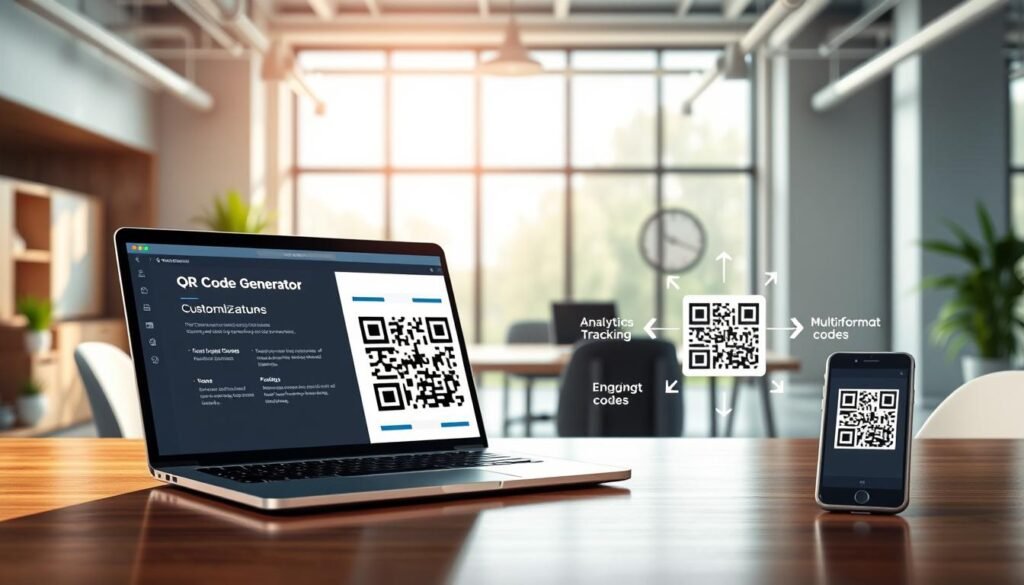
Customize Your QR Codes: Design That Stands Out
Creating a visually appealing code can make all the difference in capturing attention. Customization options allow you to turn a plain black and white code into something that truly reflects your brand. By adding your own colors and shapes, you ensure that your code stands out instead of blending into the background.
One of the best features of many QR code makers is the ability to choose colors that match your brand palette. This cohesion is essential whether your code appears on a business card, a poster, or product packaging. You can also experiment with different corner shapes and body patterns, giving your code a unique personality without sacrificing scanability.
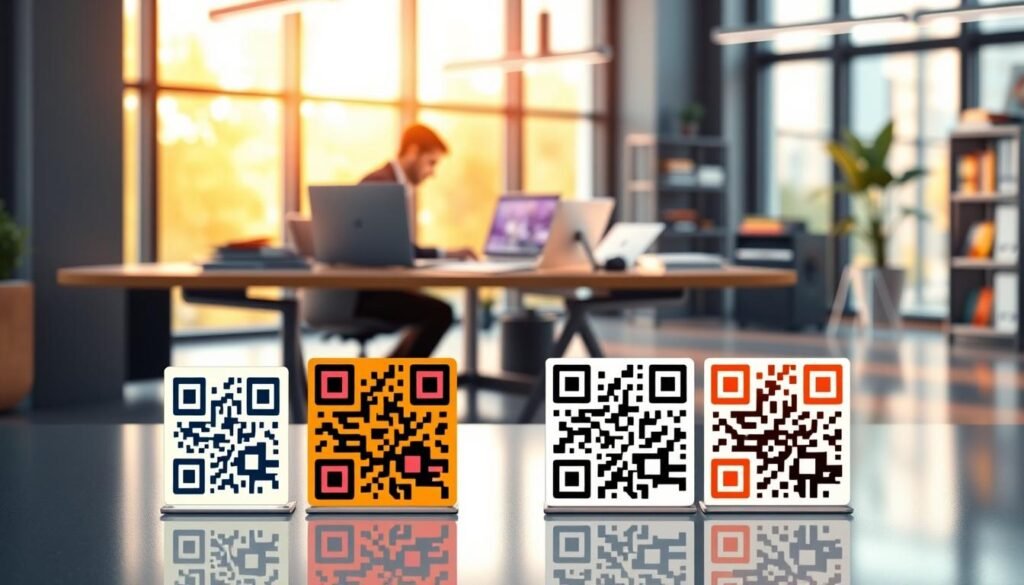
Gradients can be a fantastic addition, making your code look modern and eye-catching. This enhancement can actually increase the likelihood that people will scan it. If you plan to print your QR code, high-resolution files are crucial. Formats like SVG are the gold standard, as they scale without losing quality.
Many free tools only offer low-resolution PNG files, which can lead to blurry prints. A proper QR code generator provides options for SVG, EPS, and PDF downloads, ensuring your print shop gets the best quality. Adding your logo in the center of the code is also possible, thanks to modern error correction technology. Just remember to keep it under 30% of the total area and test it before mass printing.
The design choices you make are not just for aesthetics. A well-designed code with good contrast between the foreground and background scans faster and more reliably. You can even save your design as a template for future codes, keeping your branding consistent without starting from scratch each time.
Explore the Types of QR Codes You Can Create
Diving into the different types of QR codes can open up a world of possibilities for sharing information effectively. Each type serves a unique purpose, making it easier for you to connect with your audience. Here’s a closer look at some popular QR code types and how they can benefit you.
Link to Websites, PDFs, and Landing Pages
URL codes are the most common type. They send people straight to a website, a specific landing page, or any link you want them to see. This makes them perfect for marketing campaigns, where you want to direct traffic to a particular site.
PDF codes are super handy for sharing documents like menus, brochures, or instruction manuals. Instead of forcing people to type in a long URL or download an attachment from an email, they can scan and access the content directly.
Contact Info, vCards, SMS, and Email Codes
If you’re at a networking event, a vCard code on your business card lets people save your contact details to their phone in one scan. This eliminates the hassle of manual entry and ensures they have your information readily available.
SMS codes pre-fill a text message, allowing customers to send you a quick response. This is great for contests, registrations, or feedback requests. Similarly, email codes open a pre-written email addressed to you, making it easy for clients to reach out without searching for your email address.
App Downloads and Phone Number Codes
App download codes are another fantastic option. They detect whether someone is on an iPhone or Android and send them to the right app store automatically. This eliminates confusion and ensures users get the right app.
Phone number codes let people call you with a single scan. This is particularly useful for storefront signs or service vehicles, where immediate contact might be necessary.
In addition to these, plain text codes display a short message right on the screen and don’t require an internet connection. They work well for WiFi passwords or simple instructions.
The type of code you pick really depends on what action you want people to take. A good generator makes switching between types simple, allowing you to adapt to your needs effortlessly.
| QR Code Type | Purpose | Example |
|---|---|---|
| URL Code | Directs to a website or landing page | Link to a promotional page |
| PDF Code | Shares documents | Menu or brochure |
| vCard Code | Saves contact information | Business card |
| SMS Code | Pre-fills a text message | Contest entry |
| Email Code | Opens a pre-written email | Support inquiries |
| App Download Code | Links to app stores | Download link for an app |
| Phone Number Code | Initiates a phone call | Contact for service |
| Plain Text Code | Displays a short message | WiFi password |
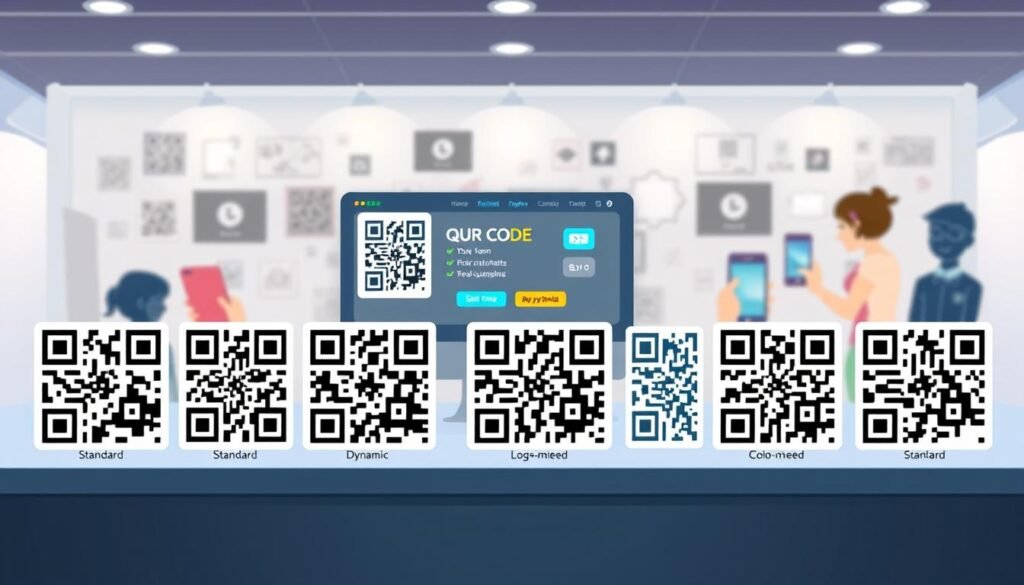
Where to Use Your QR Codes for Maximum Impact
Understanding where to place your codes can significantly enhance their effectiveness. These versatile tools can bridge the gap between your physical and digital marketing efforts. Here are some key areas where you can use them to make a lasting impression.
Business Cards and Networking
Business cards with a QR code are a total game changer at networking events. Instead of someone typing in your info, they just scan, and everything saves instantly. You can link your business card code to a digital vCard, your LinkedIn profile, your website, or even a calendar link so people can book a meeting right then and there.
Marketing Materials like Flyers and Posters
Flyers and posters are perfect spots for QR codes. They turn a passive glance into an active click. When someone sees your poster, scans the code, and lands on your signup page or event registration, it feels natural, not forced. Marketing materials with codes bridge the gap between print and digital in a way that feels engaging.
Product Packaging and Storefront Displays
Product packaging is another smart placement. You can link to assembly instructions, recipe ideas, warranty registration, or a feedback form without cramming all that text onto the box. Storefront displays with QR codes work around the clock. Even when you’re closed, someone walking by can scan and check out your menu, hours, or reviews.
Email Signatures and More
Email signatures might seem small, but adding a QR code there lets recipients save your contact or visit your latest landing page without clicking through a bunch of links. Table tents at restaurants with QR codes for menus, tipping, or feedback have become pretty standard, and customers actually expect them now.
The key is putting your code somewhere it feels helpful, not like an afterthought. Make sure it’s big enough to scan easily from a natural distance.
Tips for Scanning QR Codes Without a Hitch
Scanning a QR code should be as easy as pie, but sometimes it can throw you a curveball. Fortunately, with a few simple tips, you can make sure your scanning experience is smooth and hassle-free.
Most people don’t realize their phone already has a QR scanner built right into the camera app. On iPhones and most Android phones, you just open the camera and point it at the code. A notification will pop up, directing you to the information linked to the code.
Using Built-In Scanners on Smartphones
If the built-in scanner isn’t working, it’s usually because the setting got turned off somewhere in your camera options. A quick settings check can save you from downloading yet another app.
What to Do If a QR Code Doesn’t Scan
When a code won’t scan, the first thing to check is whether there’s enough contrast between the dark parts and the light parts. If the foreground isn’t darker than the background, scanners struggle to read it.
Blurry or pixelated codes are another common culprit. This often happens if someone tried to stretch a tiny image to a bigger size, causing it to lose sharpness. Size matters more than people think; a code that’s too small won’t scan from a normal distance. The general rule is at least 2 by 2 centimeters for things like business cards.
Lighting conditions can also affect scanning. If it’s too dark or there’s a glare hitting the code, try moving to a different light or adjusting the angle. Sometimes, the problem lies with the content itself, like a broken link or a URL with a typo. Always test your codes with a couple of different phones before printing a big batch.
Over-customizing a code with too many design elements can accidentally damage the patterns that scanners need to read. Keep the fancy stuff within reason to ensure your code remains functional.
If all else fails, there are plenty of free third-party scanner apps that can handle tricky codes better than some built-in options. These apps often come with additional features, making your scanning experience even better.
Why Choose Our QR Code Generator Platform
When it comes to creating unique codes, choosing the right tool can make all the difference. Our platform stands out for its simplicity and transparency. We designed it with you in mind, ensuring that generating codes is a fast and easy process.
Fast and Simple with No Hidden Fees
We built this platform because we got tired of seeing other services that lure you in with a free trial, only to deactivate your codes later. Our static codes are completely free forever, with no expiration dates or scan limits. You can use them for anything, including commercial projects, without owing us a dime.
Free Options Plus Upgrades for Power Users
If you need dynamic codes with tracking and editing features, we offer affordable upgrades starting at just five bucks a month. You even get to try everything free for 14 days first! The free options cover most people’s needs, allowing you to generate unlimited static codes with custom designs, logos, and high-resolution downloads.
Your Data Isn’t Stored or Shared Without Permission
One common concern we hear from users is about data privacy. We want to assure you that we don’t store or share your data. Your codes and the content inside them are your business, not ours. We cache image files for about 24 hours to keep the site running fast, but after that, they’re gone, and we don’t reuse or sell anything you create.
For those who require more features, power users can access bulk creation, team collaboration, and detailed scan analytics without breaking the bank. There’s no pressure to upgrade right away, so you can explore our features at your own pace.
If you have questions, our support team is here to help. We’ve also put together a solid help section with answers to frequently asked questions about sizing, scanning issues, and design tips. Transparency matters to us, so we don’t hide the good features behind confusing pricing tiers or surprise you with charges after you’ve printed your codes.
Time to Create Your First QR Code and See the Difference
With all the insights shared, it’s the perfect moment to roll up your sleeves and create a code. The whole process takes just a minute. You choose your code type, enter your link or content, and hit download.
If you want to personalize it, options for brand colors and logos are right at your fingertips. You can preview how everything looks before finalizing your design.
There’s something satisfying about seeing your custom code come together, knowing it will work seamlessly when scanned. Whether you’re a small business owner enhancing marketing materials or someone needing a quick code for a personal project, this is built to be easy.
So, go ahead and give it a shot! Create a new code right now and test it with your phone. You’ll be surprised at how fast and simple it really is. Once you see how smoothly everything works, you’ll discover countless ways a code can make life easier for your customers or friends.
No signup, no commitment, no hidden catches—just a working code you can download and use however you wish. Start today and experience the speed and simplicity of creating your first code!