
Need a QR code in a hurry? You’re in the right place! A simple tool can help you create a code without any hassle. No complicated steps or hidden fees here. Just quick, easy access to generate your code in seconds.
Let’s face it: nobody wants to waste time on tricky software just to link to a website. The best tools let you create a working code in under a minute. If you know what you want to link to, it can even take just a few seconds!
What’s even better? You can make as many codes as you like without worrying about limits. Each code you create will work forever, so you don’t have to stress about expiration dates. You can create codes for URLs, text, or even contact cards. It’s all straightforward!
This tool handles all the technical stuff, so you can focus on what you need. Think of it as your go-to spot for generating codes quickly, whether for a flyer or a presentation. Let’s get started!
Key Takeaways
- Generate QR codes quickly without complicated steps.
- Create codes for various uses, including URLs and contact cards.
- No limits on how many codes you can make.
- All codes work forever, ensuring long-term usability.
- The tool simplifies the technical aspects, making it user-friendly.
What Is a QR Code and Why Use a Simple QR Code Generator?
Curious about how QR codes work and why they’re so popular? A QR code, which stands for Quick Response Code, is a type of barcode that was invented by Denso Wave back in 1994. It’s a two-dimensional barcode that can store various types of information in a grid of black and white squares. You can scan it with your smartphone camera or a dedicated app to access the content instantly, without any typing involved.
These codes really took off when smartphones improved their scanning capabilities. Now, you can just point your phone at the code and hold it steady for a moment. A notification pops up, showing you the link or information stored inside. It’s as easy as that!
What can you put in a QR code? The possibilities are vast! You can encode URLs, contact details, plain text messages, email addresses, and even WiFi passwords. Imagine guests connecting to your WiFi without typing a thing—pretty neat, right?
Using a straightforward tool to create these codes is a game changer. Instead of getting bogged down with technical details like error correction levels, you simply paste your link and download your code. The best part? You won’t waste time on features you’ll never use, and you can generate as many codes as you need without signing up for anything.
Static codes are fixed once created, meaning the data inside can’t be changed later. This is perfect for everyday uses, like linking to your website or sharing a one-time message. On the other hand, dynamic codes allow you to edit the destination later and track scans. This feature is super handy if you’re running a marketing campaign and want to see how many people engage with your printed materials.
In summary, using a simple generator means you’re not locked into anything. The codes you create will keep working as long as the linked content is still available online. So, why not give it a try? Check out this QR code generator and start creating your own codes today!
Understanding the Simple QR Code Generator Free
Let’s dive into what makes these tools so easy to use. When we say “user-friendly,” we mean you don’t need to watch a tutorial or read a manual. You just land on the page, pick what kind of code you want, type or paste your content, and you’re basically done.
A lot of code generator tools out there bury the actual QR creation behind sign-up forms and pricing tables. But a truly straightforward tool puts the generator front and center. For users who just need a quick code for a flyer or a business card, simplicity means not getting distracted by analytics dashboards and features they’ll never touch.
Now, let’s talk about why free matters. Not every QR code is part of a big marketing budget. Sometimes you’re a small business owner testing out an idea, a teacher making a handout, or just someone who wants to share a link at a party. The best free tools don’t hold your codes hostage after a trial period. They won’t deactivate your codes just because you didn’t upgrade to a paid plan.
Businesses can use these free generators to prototype campaigns before committing to a paid platform. Individuals can create codes for personal projects without feeling guilty about the cost. A good generator gives you a high-resolution download right away—no watermarks, no forced branding, and no weird redirect pages that make people distrust your code.
You get access to the same core functionality whether you’re making one code or a hundred. The process stays fast because the tool isn’t trying to upsell you at every click. The whole experience should feel like using a calculator: you put something in, you get something out, and you move on with your day.
| Feature | Description |
|---|---|
| User-Friendly | No tutorials needed; easy to navigate. |
| Free to Use | No hidden fees or expiration dates. |
| High-Resolution Downloads | Immediate access without watermarks. |
| Unlimited Codes | Create as many codes as you need. |
| Fast Process | Get your code quickly without upselling. |
Key Features of a Great Simple QR Code Generator Free
Have you ever wondered what features make a QR code tool stand out? Understanding these key aspects can help you choose the right one for your needs. Let’s break down what to look for in a top-notch tool.
Static vs Dynamic Codes Explained
First up, let’s talk about the difference between static and dynamic codes. Static codes are straightforward. Once you create them, the data is baked in permanently. This is perfect for linking to your website or sharing a WiFi password that won’t change.
On the other hand, dynamic codes offer flexibility. You can update where they point later. So, if you print a thousand flyers with a dynamic code and then change your mind about the landing page, you just update it online without reprinting anything.
Some tools only offer static codes, but others, like TQRCG, give you a couple of free dynamic codes to try out tracking and editing without paying.
Customization Options That Don’t Complicate Things
Next, let’s discuss customization. A good tool lets you change colors, tweak the shape of the corner squares, and even add a logo in the center without making the code unreadable. Error correction is key here. It allows you to cover up to 30% of the code and still have it scan perfectly fine.
You can play around with gradient colors on the body of the code to make it match your brand. Plus, you can adjust the size of the image download to ensure print-quality resolution for your materials.
Unlimited Scans and Lifetime Usability
Unlimited scans mean just that—there’s no cap on how many times people can scan your code. It won’t suddenly stop working after a certain number of uses or after a set time period. The created codes should work forever, as long as the linked content is still live. So, you don’t have to worry about expiration dates or renewing anything.
Good design options won’t overwhelm you with a million sliders and settings. Instead, they provide a few meaningful choices, like picking a color palette and uploading a logo, then get out of your way. This makes the whole process smooth and enjoyable.
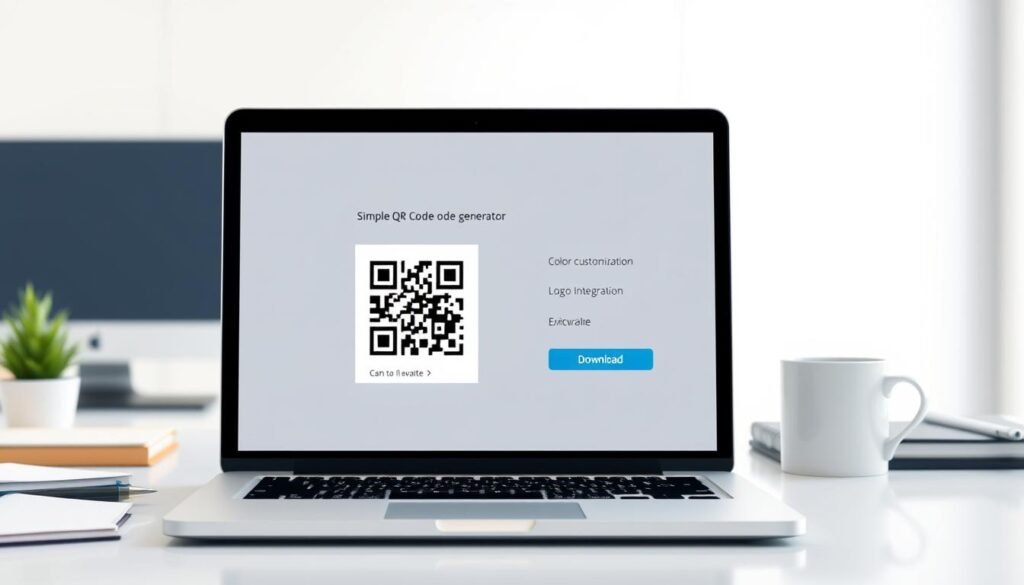
How to Create Your QR Code in Just a Few Clicks
Creating a QR code is easier than you might think. In just a few simple steps, you can generate a code that links to anything you want. Let’s break it down together!
Choose your QR code type
The first step is picking what type of code you want to make. Most generators give you a bunch of options right on the main screen. You can choose from:
- Website URL
- Plain text
- Contact card
- SMS
- PDF link
Add your content: URL, text, contact info, and more
Once you’ve chosen your type, just paste or type your content into the box. This could be a long website link, a short message, or all the fields for a digital business card with your name and phone number.
Customize design and colors
The customization step is where you can have a little fun! Change the color of the code body and the corner squares. You might even add a gradient if you’re feeling fancy. Plus, you can upload a logo to sit right in the center.
Download and share your QR code
You can test the code right there on the screen before you download anything. Just point your phone camera at it and make sure it pulls up the right link or content. When it’s time to download, you’ll usually get options for PNG format, which is great for digital use, or SVG and EPS vector formats if you need to print the code on a huge banner without losing quality.
Set the pixel size high if you plan to print the code on flyers or product packaging. Something like 1000 or 2000 pixels will give you a nice sharp result on paper. The whole process from start to finish should take less than a minute. Once you’ve done it a couple of times, you’ll be cranking out codes in seconds flat!
After downloading, you can drop the image file into a document, a design tool like Canva, or straight into an email signature. It’s ready to be scanned by anyone!
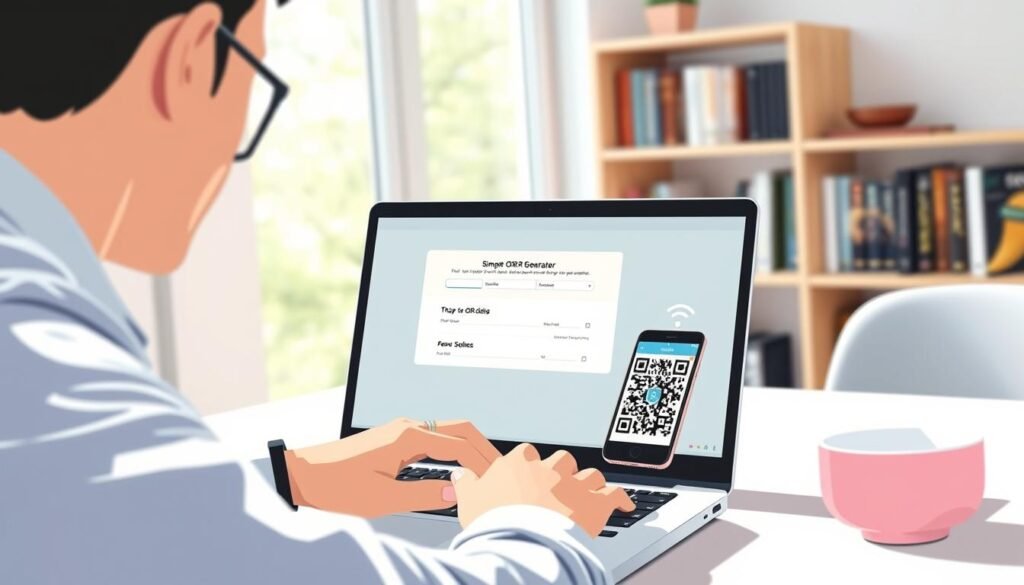
Exploring Different Types of QR Codes You Can Generate
Let’s explore the exciting variety of codes you can create. There are so many options available that can suit different needs. Whether you want to share a website, a PDF, or even your contact information, there’s a code for that!
Website links and landing pages
Website URL codes are the most common type. They’re perfect for turning any printed material into a direct gateway to your site, landing page, or online store with just one scan. Imagine having your business card or flyer lead directly to your website!
PDFs and downloadable content
PDF codes let you share downloadable content like menus, brochures, e-books, or instruction guides. This way, you avoid forcing people to type in a long URL or dig through their email for an attachment. Just scan and download!
Contact cards (vCard) and event details
Contact card codes, also known as vCard codes, are a game changer for networking. Someone can scan your code and instantly save your name, phone number, email, and website to their phone contacts. Plus, you can encode event details like the date, time, and location, making it easy for people to add it to their calendars.
SMS, email, and app download links
SMS codes pre-fill a text message on someone’s phone, which is super useful for entering contests or signing up for alerts. Email codes work similarly by opening the mail app with a pre-written message, making it simple for customers to reach out. App download links are smart too, as they detect whether someone’s on an iPhone or Android, directing them to the right app store automatically.
Plain text and phone numbers
Plain text codes display a message when scanned, even working offline. This makes them perfect for WiFi passwords or short instructions. Lastly, phone number codes let people call you with one scan—no dialing required! This is great for storefront signs or real estate flyers.
Adding Personality: Logo and Design Options for Your QR Codes
Let’s chat about how to personalize your QR codes for your brand. Adding a logo can really make your code stand out. It transforms that generic black and white square into something that represents your business.
How to add a logo without breaking the code
The trick to adding a logo is using error correction. This feature allows you to cover up to 30% of the code’s surface area and still have it scan perfectly every time. Just keep your logo small and centered, and make sure not to cover the three big corner squares. Those squares help phone cameras figure out the orientation of the code.
Choosing colors and shapes that stand out
Colors are where you can really express your brand. Instead of sticking with standard black, why not swap it out for your brand’s navy blue or forest green? A lighter shade for the background helps maintain strong contrast, which is crucial for scanning. Remember, the foreground should always be darker than the background. If you go for light gray on white, it’ll be tough for phone cameras to read, and that’ll frustrate people trying to scan it.
You can also play with the shape of the corner elements and the body modules. Rounding them off or turning them into circles can give your code a softer, more modern look. A gradient on the code body can look really sharp too, fading from one brand color to another. This small touch makes your printed materials feel more polished.
Tips to keep your QR code scannable
Before you send your customized code to print, always test it. Scan it with a couple of different phones in various lighting conditions to ensure it works reliably. The goal is to make the code attractive enough that people want to scan it, but not so wild that their phone can’t read the data inside.
Where to Place Your QR Codes for Maximum Impact
Let’s chat about where you can place your QR codes to boost their effectiveness. Knowing the right spots can make all the difference in how many people scan your codes. Here are some prime locations to consider:
Packaging and product labels
Product packaging is one of the smartest places to put a QR code. It turns a physical item into a gateway for digital content. Think about adding links to how-to videos, warranty registration, or reorder options right on the box. This way, customers can access valuable information with just a quick scan.
Posters, flyers, and business cards
On posters and flyers, a well-placed code can drive sign-ups for events or lead people to your landing page. It’s a great way to connect without them typing anything. Plus, adding a QR code to your business card is a no-brainer. Instead of manually entering your contact details, they can just scan and save everything automatically.
Storefronts, email signatures, and more
Storefront windows and signage work around the clock, even when you’re closed. Passersby can check your menu, read reviews, or see your hours by simply pointing their phone at the glass. Email signatures are another underrated spot for QR codes. They can help recipients book meetings or check out new products with ease.
Don’t forget about tables and counters in restaurants or waiting areas. Placing codes there can link to digital menus, feedback forms, or tip jars, giving customers a touch-free way to interact. When you’re printing codes, remember that size matters. The minimum should be about one inch square for close-up scanning, and larger if people will be scanning from farther away, like on a billboard.
Ensure there’s some white space around the code, known as the quiet zone. This helps phone cameras clearly distinguish where the code begins and ends against the background. Lastly, always test the placement before committing to printing a thousand copies. Hold your phone at the distance people will actually be scanning from and make sure the code is easy to capture.
How Industries Make the Most of Simple QR Codes
Let’s take a look at how various sectors are leveraging these handy tools. QR codes have become a game changer for many industries. They provide quick access to information and enhance user experiences. Here’s how different fields are using them:
Retail and Real Estate Examples
Retail stores are using codes everywhere now. You’ll find them on product tags linking to reviews and sizing guides. Some window displays even let shoppers browse the full catalog, even when the store is closed. This makes shopping easier and more interactive.
Real estate agents have basically adopted codes as standard practice. They stick them on for-sale signs so anyone driving by can pull up a virtual tour. You can see the listing price and get the agent’s contact info in seconds. It’s a quick way to connect potential buyers with properties.
Healthcare and Education Uses
In healthcare, these codes simplify the whole check-in process. Patients can scan a code to fill out forms or access digital test results. They can even get directions to the right department without touching shared surfaces, which is a big plus for safety.
Teachers and schools use codes to share lesson materials and link to educational videos. They can even create scavenger hunt activities where each code reveals the next clue or assignment. This makes learning more engaging for students.
Events and Hospitality
Events run smoother with codes handling digital tickets and check-ins. Organizers can put codes on banners and schedules so attendees always have the latest info without downloading a separate app. This ensures everyone stays informed and connected.
Hospitality businesses like restaurants and hotels have embraced codes for digital menus and room service ordering. They can also collect guest feedback before they even leave the property. This helps improve services and customer satisfaction.
Marketing campaigns get a boost from these codes, bridging the gap between physical ads and digital landing pages. With dynamic codes, businesses can track exactly how many scans each placement generates. The data from scan tracking helps them figure out which locations and materials are performing best.
In conclusion, QR codes are versatile tools that can enhance access to information across various industries. Whether it’s simplifying processes or improving user experiences, they offer valuable support to users everywhere.
Take Advantage of Your Free Simple QR Code Generator Today
Ready to unlock the power of a quick code tool? You’ve seen how easy it is to create a code that works for whatever you need. Whether it’s a link to your website or a full contact card, the process is fast and straightforward.
The best part? You don’t need to sign up or share your email to get started. Just open the generator, pick your type, and you’ll have a working code in no time. Each code you create is yours forever—no expiration dates or scan limits.
If you’re running a marketing campaign, grab one of the dynamic codes for added flexibility and tracking. With download options ranging from quick PNGs to high-resolution files, you can easily use them in print or online.
So go ahead and make your first code now! Test it with your phone and see how sharing information can feel almost magical. You’ll find opportunities to use these codes everywhere, connecting the physical world to the digital one.