
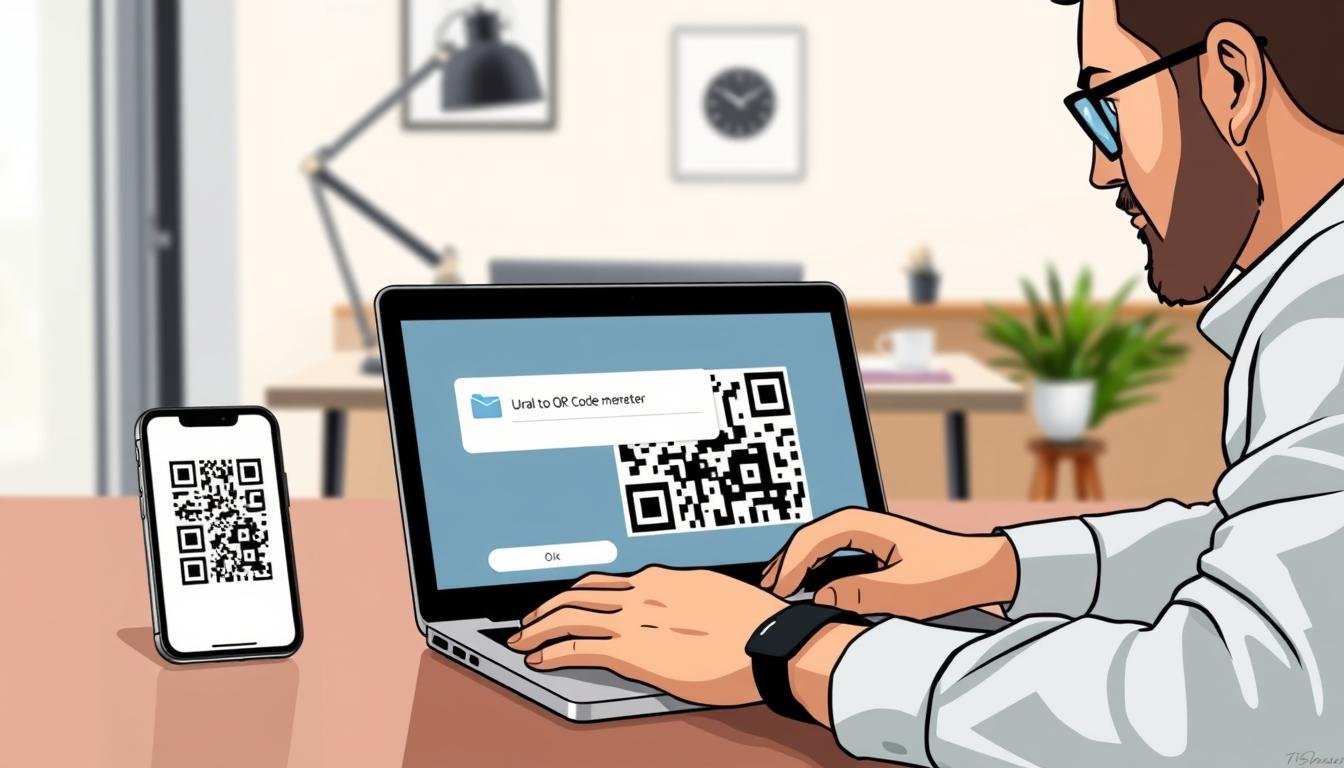
Have you ever wanted to share a link but felt like typing it out was a hassle? That’s where a URL to QR code generator comes in handy. This tool helps you transform long web addresses into scannable codes in just seconds. No signup is needed, and there are no hidden fees!
This guide is all about showing you how to create your first code easily. Whether you’re a small business owner, a marketer, or just someone looking to simplify sharing, you’re in the right place. The best part? You don’t need any design skills or technical know-how.
By the end of this article, you’ll know how to create a free code that works for your website, products, or events. Plus, every code you generate remains active forever—no expiration dates or scan limits. So grab a coffee, and let’s dive into making sharing a breeze!
Key Takeaways
- Quickly turn long links into scannable codes.
- No signups or hidden fees required.
- Easy to use for anyone, regardless of skill level.
- Generated codes stay active indefinitely.
- Perfect for businesses, marketers, and personal use.
Why Choose a URL to QR Code Generator Free for Your Sharing Needs?
Ever been on the go and wished you could share a link without typing it out? That’s where a QR code shines. It transforms long URLs into a simple scan in under a second. With your camera already in your pocket, it’s never been easier!
A URL to QR code generator makes this process accessible for everyone. You don’t need any budget approvals or fancy software. Just a few clicks, and you’re ready to share!
Most modern smartphones come with built-in scanning features. That means you can skip downloading extra apps. Just point your camera at the code, and voilà! The content you want to share—be it a website, PDF, or contact info—is instantly reachable.
One major perk of using a free generator is that the codes never expire. You can print them on flyers or business cards, knowing they’ll keep working for as long as you need them. Plus, there’s no limit on scans. Whether your code gets 10 views or 10,000, it keeps performing.
You’re in control of the information you share. If you opt for a dynamic code, you can update it anytime. But even with static codes, you can rest easy knowing they’ll always be functional.
In short, a good code generator saves you time and cuts out friction for your audience. It works seamlessly across almost any device or phone, making sharing easier than ever.
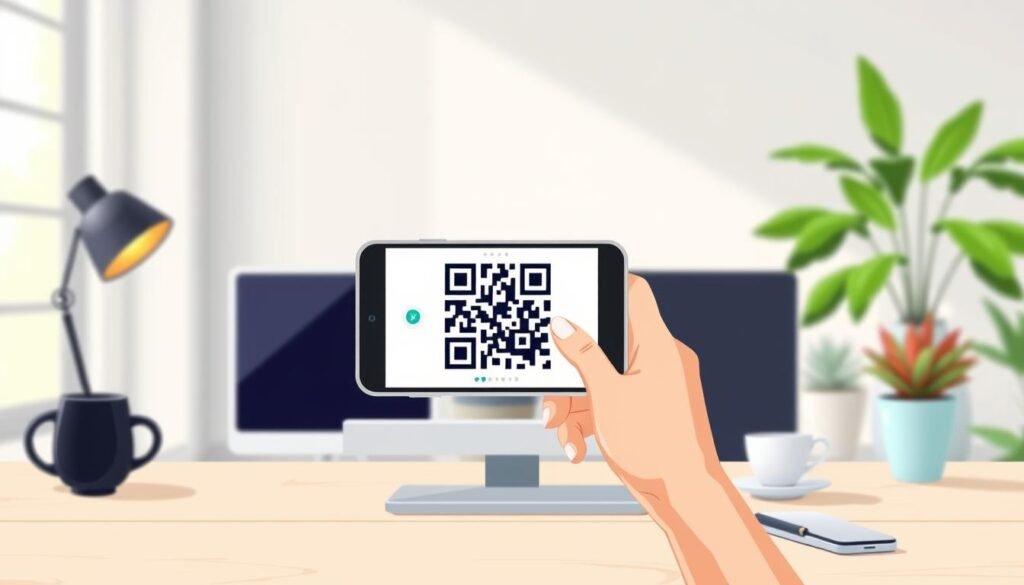
How to Create Your QR Code for Free in Just a Few Clicks
Have you thought about how much simpler sharing links could be with just a scan? Creating your own QR code is not only easy, but it can also be done in just a few clicks. Let’s walk through the steps together!
Step 1: Pick the URL QR Code Type
First, you’ll want to choose the type of code you need. This could be a link to a website, a PDF, a menu, or even contact details. This choice tells the tool exactly what action to take when someone scans your code.
Step 2: Customize Your Code’s Look
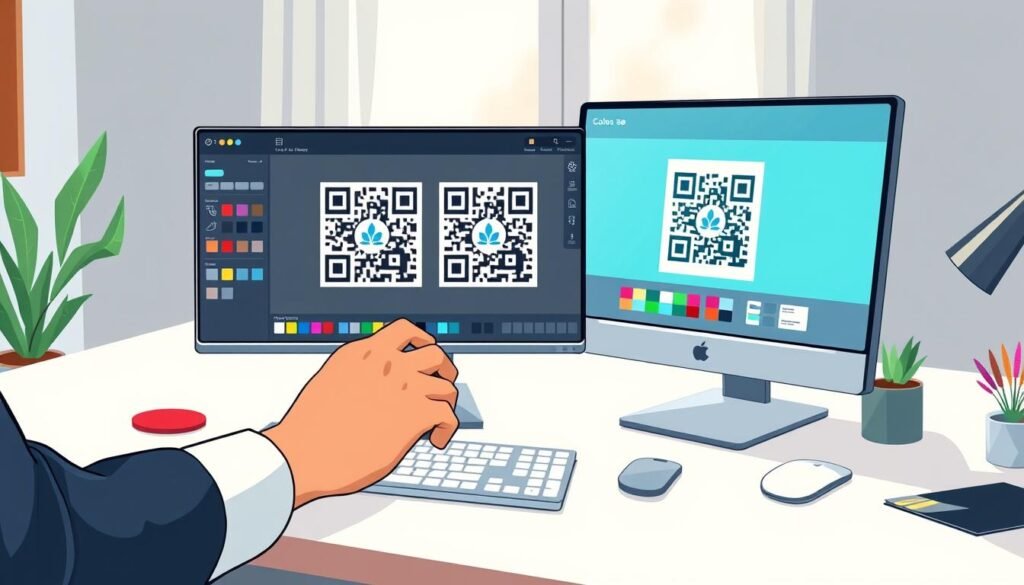
Now comes the fun part—customizing your code! You can change colors, round the corners, or even add a logo right in the center. This makes your code visually appealing and helps it stand out.
Most free code generators offer a live preview. This way, you can see how your design changes look in real-time before you finalize it. It’s a great way to ensure your code catches people’s attention!
Step 3: Download and Share Your QR Code
Once you’re happy with how it looks, it’s time to download your code. You can get it as a PNG for digital use or choose SVG or PDF formats for printing. These formats are perfect for professional use, ensuring high quality.
The entire process takes about two minutes. You won’t need to create an account or provide your email unless you want additional features. After downloading, don’t forget to test it with your phone’s camera app. Make sure everything works smoothly before you start sharing it everywhere!
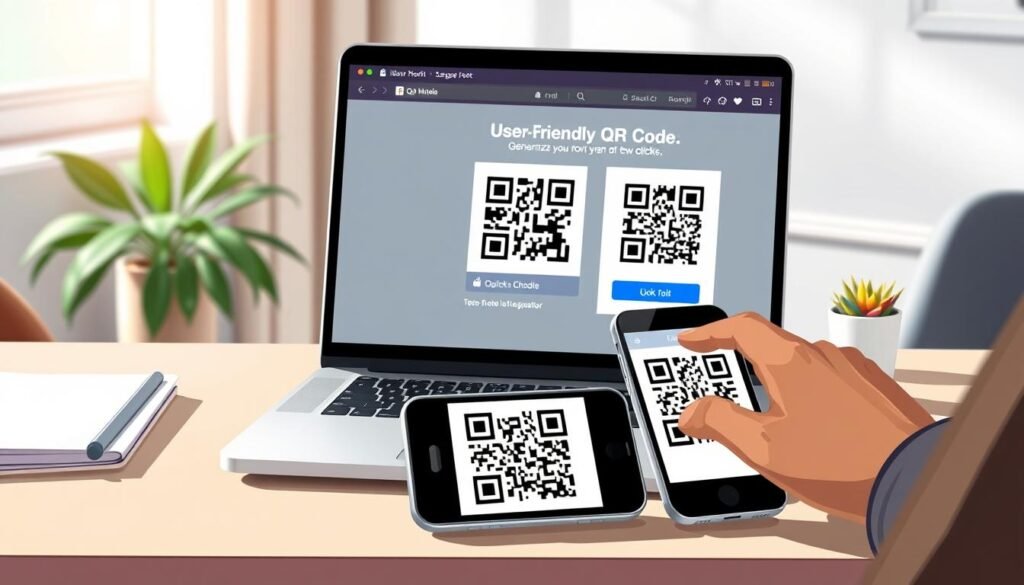
Features You’ll Love in a url to qr code generator free
Imagine transforming a plain link into a vibrant visual that catches everyone’s eye. The best free generators pack in a bunch of features that make your codes look anything but basic. Honestly, that’s what sets them apart!
Design Options: Colors, Shapes, and Logos
When it comes to design, you’re not stuck with plain black and white squares. You can switch up the colors, try different shapes for the corner elements, and even add a gradient if you’re feeling fancy. Tossing your logo right in the middle of the code is a smart move for brand recognition. Thanks to error correction built into the system, it’ll still scan perfectly even with that image covering part of it.
However, pay attention to color contrast. The foreground needs to be darker than the background, or scanners will struggle to read it. This little detail can make a big difference in how well your code performs!
Static vs Dynamic Codes: What You Should Know
Now let’s talk about the two main types you’ll run into: static codes and dynamic codes. Knowing the difference can save you some headaches down the road. Static codes are the straightforward option. The URL gets baked right in and can’t be changed later, but they last forever and have zero scan limits.
On the other hand, dynamic codes give you way more flexibility. You can update the destination link anytime without reprinting anything. Plus, you get tracking data on who scanned and when, which is super useful for understanding your audience!
Available Formats for Print and Digital Use
As for formats, you’ve got options depending on what you’re doing. Grab a PNG for social media or a website, or go with an SVG or PDF when you need something that’ll look crisp on a billboard or product packaging. The print quality matters more than you’d think, so always pick the highest resolution available.
Keep an eye on the minimum size, around 2 x 2 cm is a good rule of thumb for most uses. This ensures your code remains scannable and effective, no matter where you decide to display it.
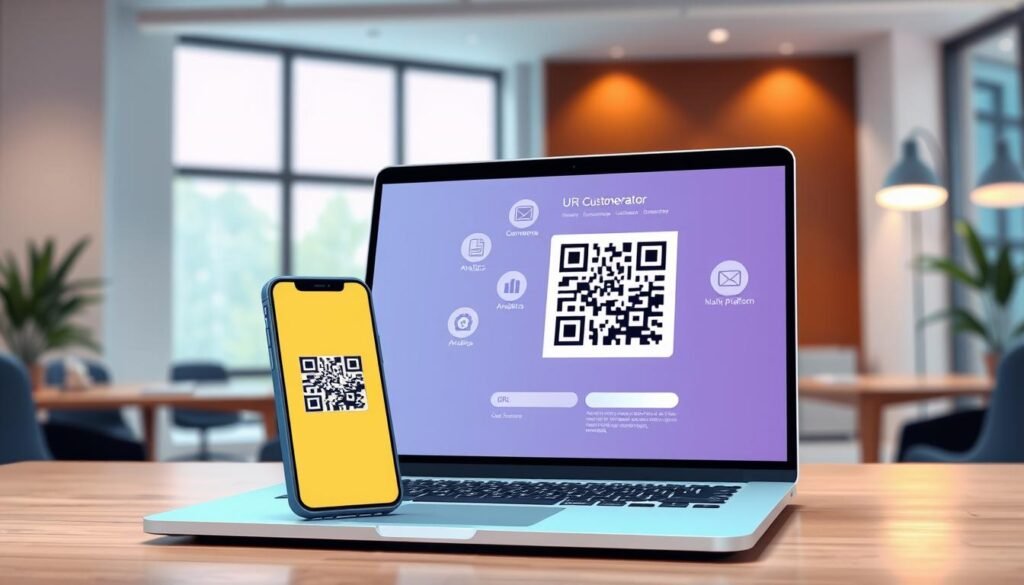
Customizing Your QR Code: Adding Logos, Colors, and Styles
Creating a unique QR code is all about expressing your brand’s personality. Customizing your code is where you get to have a little fun and make something that truly represents you or your brand instead of looking like a generic barcode. Let’s explore how you can add logos, choose colors, and apply design tips to make your QR code stand out.
Why Adding a Logo Boosts Brand Recognition
Adding a logo is probably the smartest customization move you can make. It tells people right away that this code belongs to a real business and not some random link they shouldn’t trust. With tools like QRCode Monkey, it’s straightforward to add a logo. The generator uses error correction, allowing up to 30% of the code to be covered while keeping it scannable. So don’t be shy about placing your brand mark front and center!
Choosing Colors That Scan Easily
The trick with colors is pretty simple: keep the dark parts dark and the light parts light. Scanners need that contrast to pick up the pattern quickly. You can experiment with your brand colors for the code body and the corner squares. Just avoid going too light on the foreground, or you’ll end up with a pretty design that nobody’s phone can actually read.
Design Tips That Make Your Code Stand Out
Some folks get carried away with the design and start distorting the shapes or covering up too much of the pattern. That’s when scanning starts to fail. Leave a little breathing room around the edges of your code. This quiet zone helps scanners figure out where the code begins and ends.
- Round the corners for a softer look.
- Match the code colors to your brand palette.
- Keep the logo small enough that it doesn’t interfere with the functional parts of the pattern.
Always, always test your finished code with a couple of different phones before you send it off to the printer or post it online. What scans on your device might not work on someone else’s. Following these tips ensures your QR code is not just eye-catching but also effective!
Best Places to Put Your QR Codes for Maximum Scans
Finding the right spot for your QR codes can make all the difference in how often they’re scanned. You’ve created a great-looking code, now let’s put it somewhere people will actually see it and want to scan it. Placement is half the battle!
Packaging and Product Labels
Product packaging is a no-brainer. Just slap a code on your box or label, and suddenly customers can pull up instruction manuals, how-to videos, or warranty info without digging through your website. It’s a seamless way to enhance user experience.
Business Cards and Marketing Materials
Business cards are another perfect spot. Instead of cramming every social handle and website onto that tiny piece of paper, let one code do all the heavy lifting. This way, potential clients can save your contact details instantly, making networking a breeze.
Posters, Flyers, and Storefronts
When you’re putting together marketing materials like brochures or flyers, a well-placed code can turn a casual glance into a website visit or an event registration in seconds. Posters and storefront windows are great because they work around the clock. Even when you’re closed, someone walking by can scan and check out your menu, reviews, or latest campaign.
Pay attention to size based on where the code will live. A code on a business card can be small, around 2 centimeters, but something on a storefront sign needs to be bigger so people can scan from a distance. For print materials, always use a high-resolution file and test it at the actual size you’ll be printing. What looks crisp on your screen might turn into a blurry mess on paper.
Think about the context too. A code on a coffee cup sleeve makes sense for a loyalty program, while one on a product label might link to a recipe or a how-to page. The goal is to put your codes where people naturally have their phones out and a moment to spare, like waiting in line, browsing a shelf, or sitting at a table.
| Placement Type | Recommended Size | Purpose |
|---|---|---|
| Packaging | 2 cm minimum | Access manuals and warranty info |
| Business Cards | 2 cm minimum | Instant contact saving |
| Posters/Flyers | 3 cm minimum | Drive sign-ups and registrations |
| Storefronts | 5 cm minimum | 24/7 access to information |
How Businesses and Individuals Use QR Codes for Sharing
In today’s fast-paced world, sharing information quickly is essential. QR codes have worked their way into pretty much every industry at this point, and the ways people use them keep getting more creative. Let’s explore how various sectors leverage these codes to enhance engagement and streamline processes.
Boosting Engagement for Events and Campaigns
For events and campaigns, a single code on a flyer or banner can send attendees straight to a registration page, a schedule, or a digital ticket without any back-and-forth emails. This instant access not only saves time but also increases participation rates.
Imagine a concert where attendees can scan a code to get directions, view the lineup, or even purchase merchandise. It makes the experience smoother and more enjoyable.
Streamlining Contact Sharing and Networking
Businesses love using QR codes at conferences and trade shows because networking becomes effortless. One scan and your contact details land right in someone’s phone instead of getting lost in a stack of paper cards. This not only saves time but also ensures that important connections aren’t missed.
For instance, a real estate agent can have a code on their business card that links directly to their online portfolio, making it easy for potential clients to access property listings instantly.
Sharing Content Across Media and Devices
Sharing content across different media is where codes really shine. You can put one on a YouTube video description, an email signature, or a printed ad, bridging the gap between offline and online seamlessly. For example, educators can share lesson handouts and links to learning platforms using codes, making it easier for students to access resources.
Healthcare offices also utilize these codes for appointment check-ins and patient forms, enhancing efficiency and reducing wait times. The common thread is that codes remove friction; they get people from point A to point B on whatever device they’re holding without making them type, search, or remember anything.
- Retail shops use codes on shelves and product tags, allowing shoppers to pull up reviews, compare prices, or check out without waiting in line.
- Restaurants and cafes swapped out physical menus for table-top codes during the pandemic, providing a cleaner, easier way to update their offerings.
- Artists use codes to share portfolios at gallery shows, making it simple for attendees to explore their work online.
Understanding the Difference Between Static and Dynamic QR Codes
Let’s dive into the differences between static and dynamic codes. This topic may seem tricky, but once you understand the basics, it becomes quite clear. Both types of codes serve unique purposes, and knowing which one to use can save you time and effort.
Static QR Codes: Simple, Permanent, and Free
Static codes are the straightforward option. The URL you enter gets hard-coded into the pattern, and that’s where it points forever. There are no changes, no tracking, just a simple direct link.
The upside of static codes is that they’re completely free, never expire, and don’t have any scan limits. You can print them on a thousand flyers, and they’ll keep working until the end of time. This makes them perfect for personal links or permanent websites.
Dynamic QR Codes: Editable, Trackable, and Flexible
Dynamic codes work a little differently. They use a short redirect link that sits between the scan and the final destination. This means you can log into a dashboard and change where that code points anytime you want. That editability is huge if you’re running a campaign and might need to swap out the landing page.
Another big win with dynamic codes is the data. You get to see how many people scanned, where they were, what device they used, and when it happened. This information is gold for measuring whether your marketing is working. Some platforms offer free dynamic codes to get you started, but keep in mind they may have daily scan limits.
Which One Fits Your Needs Best?
Choosing between static and dynamic codes really comes down to your needs. If you need to update the destination later or track scan data, dynamic codes are worth the extra step. However, if you’re just sharing a personal link or a permanent website, static codes are perfect.
For example, platforms like QRCode Monkey create static codes only, while others like TQRCG and QR Planet offer both types. Consider your goals and pick the code that aligns best with them.
Get Started with Your Easy-to-Make QR Code for Quick Sharing Today
What if you could share any link in seconds without the fuss of typing? Now you can! You’ve got all the tools to turn a long link into a scannable code in just a few clicks.
So, whether you’re a business owner, a marketer, or just someone looking to simplify sharing, these tools are ready for you. Don’t overthink the design; start simple and test it on your phone. You can always get fancier later!
If you have questions, most platforms offer a frequently asked section to help you out. The codes you create today will keep working for as long as you need them—no expiration dates or hidden fees.
Bookmark your favorite generator for quick access anytime you need a new code. Go ahead and give it a shot right now! Grab a link, pop it into a generator, and see how fast you can create a working code. You’ve got this!