
Are you in a rush to create a QR code for your business card or flyer? You’re not alone! Many people need a quick solution, and the good news is that it’s easier than you think. You don’t need any technical skills or complicated software. Honestly, it’s simpler than setting up a new phone!
In this guide, we’ll explore what a QR code is and the various types you can create. You’ll learn how to choose the right one for your needs. Having control over your codes is essential, especially if you want to update information later without reprinting everything.
We’ll also share design tips, like adding your logo or customizing colors. This way, your code will grab attention and get scanned instead of ignored. By the end, you’ll know how to create, customize, and download a QR code that works for print, social media, or anywhere else you need it.
The whole process takes just a few minutes, and most platforms let you start for free without even signing up. Whether you’re a small business owner, a marketer, or just someone who wants to share information easily, this guide has you covered.
Key Takeaways
- Creating a QR code is quick and easy, perfect for last-minute needs.
- No technical skills are required; it’s user-friendly.
- You can customize your code with logos and colors to stand out.
- Control over your codes allows for easy updates.
- Most platforms offer free options to get started.
What Is a QR Code Generator?
Ever wondered how those black-and-white squares work their magic? A QR code generator is your tool for turning links or text into these unique patterns that your phone can read in an instant. The term QR stands for Quick Response, and it was developed by Denso Wave in 1994 for Toyota’s supply chain.
These codes can store a lot of information—up to 7,089 numeric characters or 4,296 alphanumeric ones! When you scan a code with your phone’s camera, it reads the pattern and pulls up whatever’s stored inside. This could be a website, a contact card, or even a WiFi login.
Understanding QR Codes and How They Work
Think of QR codes as a bridge between the physical and digital worlds. They started in Japanese car factories, helping companies like Toyota track parts. Now, they are everywhere—from restaurant menus to billboards. This technology allows businesses to share information quickly and effectively.
Static vs Dynamic QR Codes: What’s the Difference?
Static codes are set in stone once you create them. The information inside can’t be changed. This is fine for permanent links, like a website that won’t change. On the other hand, dynamic codes are flexible. You can change where they point to later without needing to reprint anything. This is a lifesaver if you’ve already printed 500 flyers and need to update the link.
While your phone’s scanner reads both types, dynamic codes give you more control. Most free generators create static codes by default. Dynamic codes often require an account, allowing the platform to manage the redirect for you. Understanding this difference upfront saves you from the headache of realizing you can’t edit a code after it’s already on printed materials.
Why Make Your Own QR Code Generator?
Creating your own QR code generator is a smart move for anyone looking to streamline their marketing efforts. It gives you the power to design and manage codes without relying on outside help. This means you can generate codes whenever inspiration strikes, making it a time-saving choice for your business.
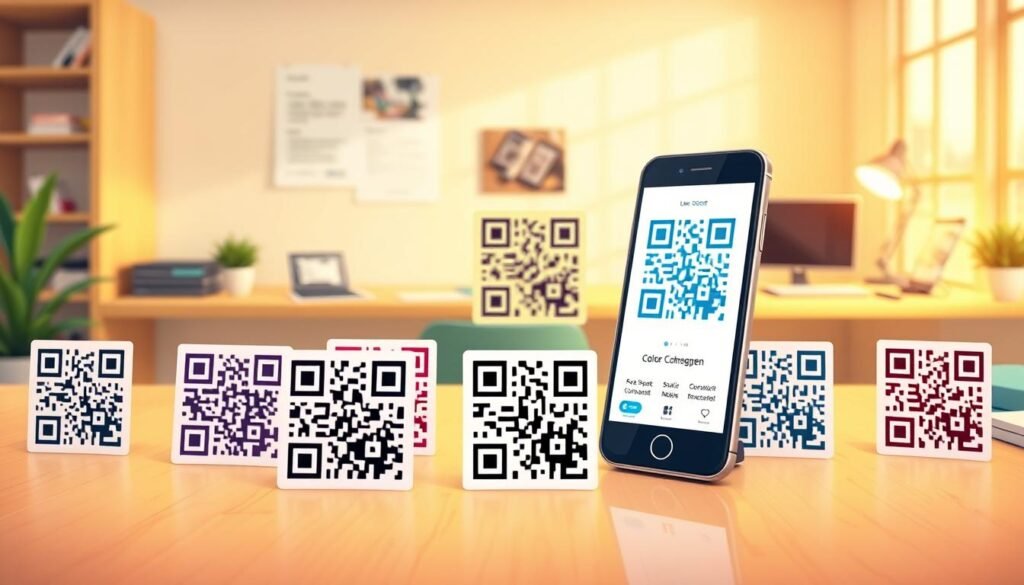
Having control over your codes allows you to customize them to fit your brand. You can tweak the design to match your colors, add your logo, and ensure that every code feels like it truly belongs to your business. This personalization makes your codes not just functional, but also a part of your marketing identity.
Benefits of Having Control Over Your Codes
One of the best parts about using your own generator is the flexibility it offers. For instance, if you realize that you’ve sent people to the wrong page, dynamic codes let you fix mistakes quickly. You can update links without needing to reprint anything, saving you both time and money.
Additionally, having your own generator means you won’t have to go back and forth with a designer every time you need a new code for a campaign or event. This autonomy not only speeds up the process but also allows you to create different types of codes for various purposes. Whether it’s a vCard for networking or a URL code for product packaging, you can tailor your codes to meet specific needs.
Save Time and Customize to Your Needs
Time is of the essence in marketing, and with your own generator, you can create codes in bulk. Platforms like QR Planet even allow free accounts with dynamic codes that let you track up to 100 scans per day. This means you can efficiently manage multiple campaigns without the hassle of limitations.
Moreover, the analytics provided by these platforms show you where people are scanning, what devices they’re using, and when they’re most active. This data helps you make informed marketing decisions, enhancing your overall strategy.
Here’s a quick comparison of popular QR code generators:
| Feature | QR Planet | QRCode Monkey |
|---|---|---|
| Free Account | Yes, with dynamic codes | Yes, unlimited static codes |
| Dynamic Codes | Up to 100 scans/day | No expiration, no scan limits |
| Customization | Brand colors, logos | Brand colors, logos |
| Analytics | Yes | Limited |
In summary, taking control of your QR code creation not only empowers you but also enhances your marketing capabilities. It’s all about efficiency, customization, and the ability to adapt quickly. So why wait? Start creating codes that truly represent your brand today!
Types of QR Codes You Can Create
When it comes to sharing information quickly, different types of codes serve various purposes. Each type of code offers unique advantages that can enhance your marketing strategy. Knowing the various types available can streamline your information-sharing process.
Let’s dive into some popular options and how they can work for you:
Popular QR Code Types: URL, vCard, SMS, and More
URL codes are the most common type. They send people straight to a website, landing page, or online store. This makes them perfect for putting on flyers or product packaging. For example, imagine a restaurant menu with a QR code that links directly to their online ordering page.
vCard codes act like digital business cards. When someone scans one, their phone instantly saves your name, phone number, email, and company info. This is a fantastic way to network without the hassle of paper cards.
SMS codes can open a text message with a pre-written message already filled in. This is especially useful for contests or quick customer service inquiries. A simple scan can encourage customers to engage with your brand.
WiFi codes let guests connect to your network without typing in a long password. Just scan and they’re online, making it a huge convenience for cafes and offices. This can enhance customer experience and keep them coming back.
You can also create codes that link to a PDF file. This allows people to download a menu, brochure, or instruction manual right from a printed poster. It’s an efficient way to share important documents without clutter.
Email codes open the user’s mail app with your address and subject line already filled in. This makes it easy for customers to reach out. For instance, if you want to encourage feedback, this type of code can be a game-changer.
Social media codes can point to your Instagram, YouTube channel, or any social profile. This helps you grow your following from physical materials, making it easier for potential customers to connect with you online.
The key is matching the code type to what you want the person to do. If you want them to call you, use a phone code. If you want them to see your portfolio, opt for a URL code.
Choosing the Right Code for Your Content
Ultimately, selecting the right type of code depends on your goals. Consider what action you want the user to take after scanning. Align your choice with your marketing objectives to maximize engagement.
| Type | Description | Best Use |
|---|---|---|
| URL | Links to a website or landing page | Flyers, product packaging |
| vCard | Digital business card with contact info | Networking events |
| SMS | Pre-written text message | Contests, customer service |
| WiFi | Network login credentials | Cafes, offices |
| Links to downloadable documents | Menus, brochures | |
| Pre-filled email address | Customer feedback | |
| Social Media | Links to social profiles | Marketing materials |
By understanding these types, you can effectively leverage them to enhance your marketing efforts. Each code serves a purpose, making it easier for your audience to connect with your content.
Key Features to Look for in a QR Code Generator
When selecting a QR code platform, it’s essential to know what features can elevate your marketing efforts. Not all platforms are created equal, and understanding the unique offerings can help you make the best choice for your business.
Design Flexibility: Colors and Logos
Design flexibility is crucial. A plain black-and-white code can easily blend into the background. However, one that incorporates your brand colors and logo is far more eye-catching. This not only attracts attention but can also lead to more scans.
The ability to add your logo to the center of the code enhances its professionalism. Thanks to error correction, your code will still scan perfectly, even with part of it covered by your logo. This feature helps establish trust and brand recognition.
Ability to Edit and Track Your Codes
Imagine printing thousands of codes only to realize you need to update a link or fix a typo. The ability to edit your codes after they’re created is invaluable. Dynamic codes allow you to change URLs without reprinting, saving both time and money.
Tracking features are equally important. They provide data on how many people scanned your code, where they were, and what devices they used. This information is essential for evaluating the effectiveness of your marketing campaigns.
Bulk Creation and File Export Options
Bulk creation is a game-changer. Instead of generating codes one at a time, you can upload a spreadsheet and create hundreds in one go. This saves you from the tedious task of individual code creation.
File export options also matter more than you’d think. Formats like SVG and PDF allow you to scale your codes for print without losing quality. High-resolution files ensure your codes look sharp, whether on a business card or a billboard.
Lastly, look for platforms that let you save design templates. This feature allows you to reuse your colors and logos without starting from scratch every time, streamlining your workflow.
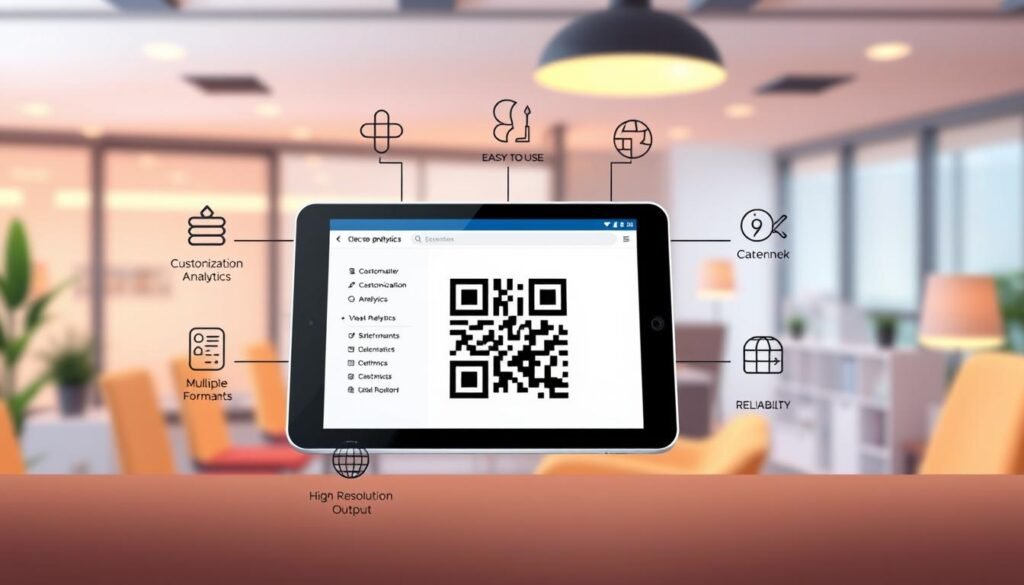
Design Options: Colors, Logos, and Templates
When it comes to enhancing your QR codes, the design options are endless. You can get creative with colors, logos, and templates to ensure your codes stand out. However, remember that readability is key. Let’s explore how to add your brand’s touch while keeping your codes functional.
Adding Your Brand Logo Without Losing Readability
Incorporating your brand logo into a QR code is simpler than you might think. Just upload your logo, and the generator will place it in the center. It’s crucial to keep the logo small enough to avoid interfering with the scanning process.
Thanks to built-in error correction, you can cover up to 30% of the code with your logo or other design elements without losing functionality. This gives you plenty of room to play around with your branding while ensuring that your code remains scannable.
Using Color and Shapes to Make Codes Stand Out
Colors are where you can truly express your brand’s personality. You can match the QR code to your brand palette, use gradients, or even create a transparent background. Just keep in mind that the dark parts of the code should always be darker than the light parts. If you flip the contrast too much, your phone’s scanner may struggle to read it.
Moreover, platforms like QRCode Monkey allow you to customize corner shapes and body patterns. This way, you can transform the standard blocky look into something more modern and unique.
Saving Templates for Quick Future Use
One of the best features of many QR code platforms is the ability to save your designs as templates. This means that when you need a new code, you can simply select your saved template, drop in the new link, and you’re done in seconds.
Before printing a large batch, it’s always smart to test your designed code on different phones. This ensures that the colors and logo do not cause any scanning issues. A well-designed QR code on your marketing materials reflects attention to detail, and that can make a significant difference in how your audience perceives your brand.
| Design Element | Recommendation |
|---|---|
| Logo Size | Keep it small to maintain scanability |
| Error Correction | Cover up to 30% of the code |
| Color Contrast | Ensure dark parts are darker than light parts |
| Corner Shapes | Customize for a modern look |
| Template Saving | Reuse designs for quick future use |
| Testing | Check on multiple devices before printing |
With these tips, you can create visually appealing QR codes that not only serve their purpose but also enhance your marketing materials. Experiment with colors and shapes, but always prioritize readability!
How to Make a QR Code Generator in Minutes
Ready to dive into the world of QR code creation? Let’s get started! Making your own code generator is easier than you think. The process typically involves three simple steps. You’ll select the type of code, enter your content, customize the design, and then download your creation.
Select Your QR Code Type
The first thing you do is pick what kind of code you need. Most platforms show you a list of options like URL, vCard, or SMS. Just click the one that matches what you’re trying to share. For example, if you want to link to a website, select the URL option.
Enter Your Content and Customize Design
Once you’ve picked the type, you’ll see fields to fill in. For a URL code, simply paste the link. If you’re creating a contact card, add your name and phone number. It’s really that straightforward!
After your content is in, the fun part starts. You can play with the colors, add your logo, and tweak the corner shapes. Watch your code transform from boring to branded in real time. Most platforms let you preview your design, so you’ll know exactly what it looks like before downloading.
Download and Test Your QR Code
When you’re happy with how it looks, hit download and choose your format. PNG works well for digital use, but if you’re printing, go with SVG or PDF. These formats ensure your code stays sharp at any size.
Before you send that code out into the world, test it with your phone and maybe a friend’s device too. This way, you can make sure everything works as it should. If the code feels sluggish to scan or doesn’t work, try reducing the amount of data or removing the logo temporarily to see if that helps.
The whole process takes about five minutes once you know what you’re doing. You’ll get faster every time you create a new one!
Practical Ways to Use Your QR Codes
Unlock the potential of QR codes to enhance your business strategies. These versatile tools can seamlessly integrate into your marketing efforts, making them a game-changer for any campaign. Here are some inspiring ways to put QR codes to work for you:
Boost Your Marketing with QR Codes on Business Cards and Flyers
Putting a QR code on your business card is a smart move. It lets people save your contact info to their phone in one scan instead of typing everything out manually. Imagine handing out cards that not only share your details but also link to your portfolio or LinkedIn profile!
Flyers and posters with QR codes bridge the gap between your print marketing and your online world. They can send people straight to a special offer page or event registration, making it easier for potential customers to engage with your business.
Use Dynamic Codes to Update Information Anytime
Dynamic codes are perfect for menus or promotional materials. You can update prices or add seasonal specials without reprinting. The same code on the table just keeps working, ensuring that your customers always have access to the latest information.
For product packaging, QR codes can link to how-to videos, recipe ideas, or a quick reorder page. This turns a one-time purchase into an ongoing relationship, enhancing customer loyalty.
Track Scans to Measure Engagement
Tracking your scans shows you what’s working and what’s not. If a code on a flyer gets tons of scans but the one on your packaging gets none, you know where to focus your energy. Platforms like QR Planet offer GPS tracking to see where scans happen, plus email notifications for each scan.
You can also see where people are scanning from geographically. This helps you understand if your campaign is reaching the right neighborhoods or cities. Event organizers use QR codes on tickets and badges to speed up check-in and share schedules, cutting down on paper and making the whole experience smoother.
The beauty of dynamic codes is that you can pivot fast. If a campaign isn’t performing, you can change the landing page without touching the printed materials that are already out in the world.
Ready to Make Your QR Code Generator? What to Expect Next
Let’s get started on your journey to creating personalized codes for your business! You’ve got everything you need now to jump in and start creating. Most platforms let you begin for free without even pulling out a credit card.
Your first code might take a few extra minutes while you explore design options. But soon, it will become second nature. Don’t overthink it; you can always save a template and refine it later.
If you run into any trouble, most platforms have solid help centers and support teams that respond quickly. Start with something simple, like a URL code linking to your website or social media. Test it on a couple of phones, and you’ll see how easy it is!
The tools are free, the learning curve is flat, and the payoff in terms of making your marketing more interactive is huge. Go ahead and give it a shot; you’ll probably surprise yourself with how quick and painless the whole thing is.