
QR codes have become a staple in our daily lives. You see them everywhere, from restaurant menus to product packaging. Having a free editable QR code generator makes diving into this world much simpler than you might think.
This isn’t just some complex tool meant for tech experts or large corporations. Anyone can use it with just a few clicks! Millions of people and businesses are already creating these codes daily, connecting their physical materials to digital content without spending a dime.
The best part? You’re not locked into anything. You can start making codes right now without even signing up. Whether you need one for a business card or many for a big marketing push, the generator has you covered without any hassle.
Plus, the codes you create don’t expire and come with no hidden fees. You won’t wake up one day to find your codes have stopped working. You can even customize them with your own colors and branding, making them uniquely yours.
By the end of this article, you’ll know exactly how to create, customize, and use QR codes that truly get scanned!
Key Takeaways
- QR codes are now common in everyday life.
- Creating codes is easy and accessible for everyone.
- Millions use these tools daily without costs.
- No sign-up is needed to start creating codes.
- Custom designs help your codes stand out.
- Codes created don’t expire and have no hidden fees.
What Is a Free Editable QR Code Generator?
Imagine a QR code as a digital shortcut. It allows someone’s phone camera to instantly access a website, a PDF, or contact information without typing anything. This two-dimensional barcode stores various types of information in a grid of black and white squares.
A free editable QR code generator is simply an online tool that creates these codes for you. You don’t need coding skills or special software. The *editable* aspect means you can change where the code points later if you choose a dynamic option.
Now, let’s break down the difference between static and dynamic codes. A static code has the information embedded directly into the pattern. Once it’s printed, that’s it. On the other hand, a dynamic code uses a short URL that you can redirect anytime. For example, if you print a static code on 500 flyers linking to your website and then change your website address, those flyers become useless. With a dynamic code, you can log into your generator dashboard and update the URL in seconds.
Static codes are great for things that won’t change, like a WiFi password or a simple text message. They never expire, so you don’t have to worry about them suddenly breaking. This is especially useful for businesses that want to avoid wasting materials.
Having an editable QR code matters for businesses because it saves money on reprints. It also allows you to fix mistakes or update content without discarding perfectly good materials. Some code generators put dynamic features behind a paywall, but others, like TQRCG, offer a couple of free dynamic codes to start with.
The type of code you pick depends on what you need it to do. The generator will guide you through choosing between URL codes, contact codes, PDF codes, and more. Understanding the distinction between static and dynamic codes early on can save you a lot of headaches later, especially if you plan to use them on packaging or printed materials that can’t be easily swapped out.
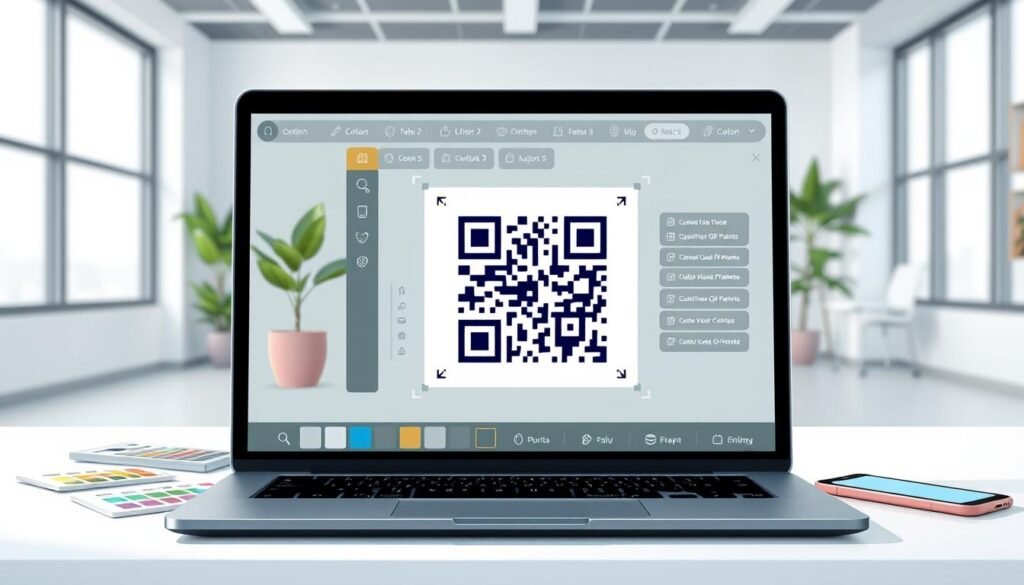
How to Create Your First QR Code in a Few Clicks
Creating your first QR code can be an exciting venture. It’s not just about making a pattern; it’s about connecting people to your content effortlessly. Let’s dive into how you can create a code that serves your needs in just a few simple steps.
First, you need to figure out what you want your QR code to do. Picking the right type from the start makes everything else fall into place. Here are some common options:
- Website URL codes: These open a webpage directly.
- PDF codes: These allow users to download a file.
- Contact codes: These save your information straight to someone’s phone.
- SMS codes: These pre-fill a text message for easy sending.
- App download codes: These direct users to the right app store based on their device.
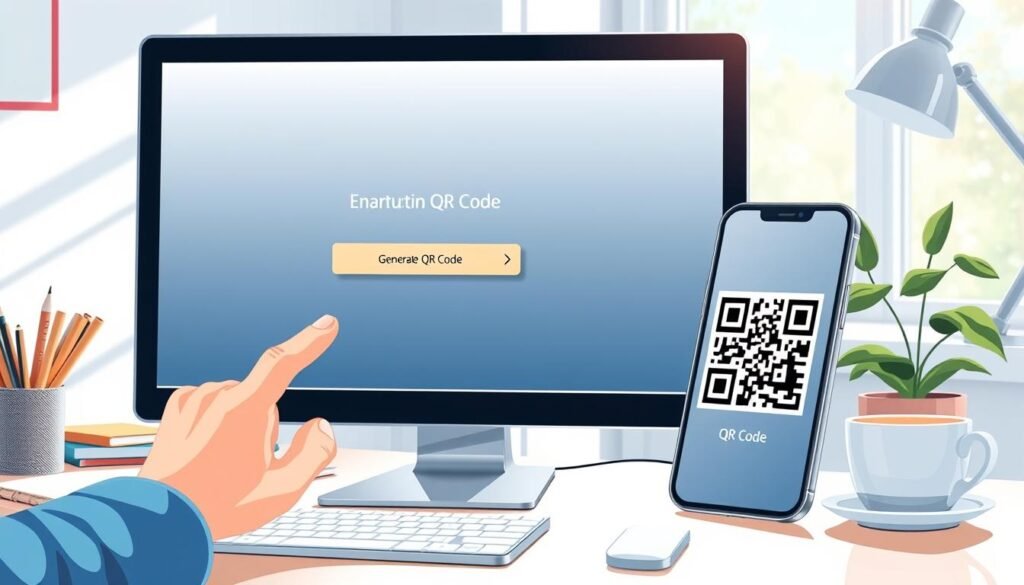
Once you’ve selected the type, the generator provides a simple field to paste your URL or upload your content. It’s really as straightforward as copying and pasting a link!
Next comes the fun part: customization. You can play around with colors and add a logo to make your QR code unique. Most generators even let you preview how the code looks and test it with your phone’s scanner right on the screen. This real-time testing is crucial to ensure everything works perfectly before you download.
Now, let’s talk about download options. You’ll typically see two formats: PNG and SVG. PNG is great for digital use and smaller prints, while SVG or EPS formats are perfect for larger prints like posters or billboards. These vector formats won’t get blurry, no matter how big you scale them.
You don’t need to create an account to make a static code on most platforms. However, signing up for a free account unlocks features like saving your codes, editing dynamic codes later, and tracking scan data.
Here’s a quick tip: test your new code with a couple of different devices before sending it off to print. What scans fine on an iPhone might struggle on an older Android if the contrast or size is off.
Overall, the whole process—from deciding on a type to downloading the finished code—takes about two minutes once you know what you’re doing. The generator handles all the technical stuff behind the scenes, making it easy for you.
So why not give it a try? Start with something simple, like your website URL. Going through the steps once will make everything click better than just reading about it!
| Code Type | Functionality | Best Use Case |
|---|---|---|
| Website URL | Links to a webpage | Marketing materials |
| Downloads a file | Brochures | |
| Contact | Saves contact info | Business cards |
| SMS | Pre-fills a text message | Promotions |
| App Download | Links to app stores | Mobile apps |
Types of QR Codes You Can Create
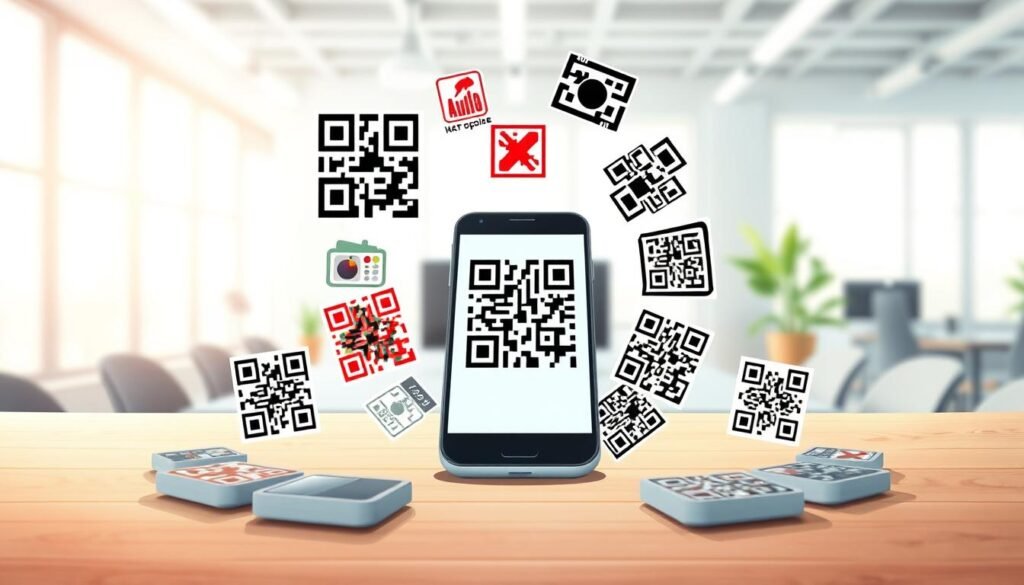
There are several types of QR codes that cater to different needs and situations. Understanding these types can help you choose the right one for your specific goals. Let’s explore the various options available and see how each can benefit your business or personal projects.
Website URLs and Multi-URL Codes
Website URL codes are the most common type of QR code. They turn any flyer, product label, or poster into a direct traffic booster. You can link to your homepage, a specific product page, or even a social media profile. These codes are the bread and butter of most QR code campaigns.
Multi-URL codes are a smart choice when you want to give people options. For instance, a single code on a poster can take someone to your website, your Instagram, or a YouTube video, depending on what they tap. This flexibility can enhance user engagement significantly.
Contact Info, SMS, and Email Codes
Contact codes, also known as vCard codes, are game changers for business cards and networking events. Instead of manually typing in your phone number and email, one scan drops all your contact information straight into someone’s address book. This saves time and reduces the chance of errors.
SMS and email codes work similarly. An SMS code opens a pre-written text message, which is perfect for campaigns like “Text JOIN to sign up.” Meanwhile, an email code opens a pre-filled message ready to send to your support team or sales inbox. These codes streamline communication and enhance customer interaction.
PDFs, Plain Text, and App Download Links
PDF codes provide a clean way to share menus, brochures, guides, or e-books without forcing users to download an app or dig through a website. With a dynamic code, you can even swap out the file later without changing the printed code, making it incredibly versatile.
Plain text codes are the simplest type; they display a message when scanned and work even without internet access. This makes them ideal for WiFi passwords, locker combinations, or short instructions on product packaging.
App download codes automatically detect whether someone is on an iPhone or Android, sending them to the right app store. This removes all friction from getting people to install your app, ensuring a smoother user experience.
Phone codes are perfect for businesses that want to make it easy for customers to call. For example, a code on a storefront window can initiate a call to your booking line with one scan, simplifying the process for potential clients.
Most free code generators support all these types and more. You’re not limited to just one kind of content. The best part is you can mix and match different codes for various parts of your business or event, maximizing your outreach and engagement.
Customize Your QR Code with Colors, Logos, and Design
A basic black and white QR code can serve its purpose, but adding your unique touch makes it truly yours. This customization not only enhances the aesthetic appeal but also aligns the code with your brand identity. It’s an opportunity to make a statement and attract attention.
Most generators allow you to change colors easily. You can pick custom hex codes for both the foreground and background. Some tools even let you add gradients, making your code pop on marketing materials. However, it’s crucial to maintain enough contrast between the code and the background. If the colors are too similar, scanners may struggle to read the code. A good rule of thumb is to keep the foreground noticeably darker than the background.
Changing Colors Without Losing Scanability
When you customize colors, remember that functionality is key. A vibrant design can catch the eye, but if it hinders scanability, it defeats the purpose. Always test your code after making adjustments to ensure it scans smoothly.
Adding Your Brand Logo to Make It Yours
Incorporating a logo into the center of your QR code is one of the best ways to make it feel professional and on-brand. Whether it’s your company logo, a product icon, or even a small photo, it can elevate your code’s appearance. QR codes are built with redundancy, meaning they can tolerate some damage. Up to 30% of the pattern can be covered, and the code will still scan effectively. This allows you to safely add your logo without worry.
However, avoid excessive customization. Covering corner squares or overly stylizing the code can break its scanability. Always keep the design balanced and test it thoroughly.
Choosing File Formats and Sizes for Any Use
File format matters when it comes to how you’ll use your QR code. PNG files are great for websites and social media, while SVG or EPS formats are ideal for printing on large posters or small labels. Vector files maintain quality regardless of size, ensuring your code looks sharp no matter where it’s displayed.
Some generators even offer ready-made design templates. This means you don’t have to start from scratch; you can choose a style that aligns with your brand colors and make minor tweaks from there. Additionally, pay attention to the size you download. Most generators allow you to select from preset sizes, ranging from 200px for web use to 2000px for print. You can even enter a custom size if needed.
Finally, remember to have fun with the design process! A QR code that looks good gets scanned more often. The tools available make it easy to experiment without any permanent commitment. So, unleash your creativity and let your QR code reflect your brand!
Where and How to Use Your Custom QR Codes
Custom QR codes can transform the way you connect with your audience. They offer unique opportunities to enhance your marketing strategy and engage customers effectively. Let’s explore some practical applications where these codes can make a significant impact.
Boost Your Packaging and Product Labels
Packaging is one of the smartest places to put a QR code. Imagine a product box that links to a setup video or a food label that pulls up recipes and nutritional info. This turns a static package into an interactive experience.
Businesses can use codes on packaging to share warranty registration pages, instruction manuals as PDFs, or even loyalty program signups. This approach adds value without increasing costs or cluttering the box with extra paper.
Get Noticed on Flyers, Posters, and Business Cards
Printed marketing materials like flyers and posters can greatly benefit from a well-placed code. It bridges the gap between someone seeing your ad and visiting your website or landing page immediately.
Business cards with QR codes are a total upgrade from the traditional approach. Instead of cramming your phone number, email, website, and LinkedIn onto a tiny card, one scan saves everything to the person’s phone instantly. This makes networking easier and more efficient.
Enhance Storefronts, Menus, and Event Spaces
Using codes on storefront windows allows people walking by after hours to browse your menu, book an appointment, or check out your latest products even when you’re closed. This can lead to increased customer engagement and sales.
In event spaces, QR codes streamline the experience for everyone. From digital tickets at check-in to codes on tables that let attendees pull up the schedule or speaker bios, they enhance convenience without requiring an app.
Restaurants and cafes are replacing physical menus with QR codes on tables. This not only promotes contactless service but also allows for easy updates to menu items and prices without the need for reprinting.
Additionally, adding a QR code to your email signature is a subtle yet effective way to encourage people to book meetings, follow your social media, or save your contact info effortlessly.
Consider how different industries can benefit from these codes. For instance, real estate agents can place codes on for-sale signs that link to virtual tours, while healthcare offices can use them in waiting rooms for patients to check in or access digital forms.
The possibilities are virtually endless. The best approach is to think about where your customers or audience are already looking, then place a helpful code right in that spot.
Why Pick a Free Editable QR Code Generator Over Others?
When it comes to choosing a tool for generating codes, not all options are created equal. Many people hesitate to use free tools due to past experiences with hidden fees or unexpected charges. However, there are reputable options available that genuinely offer value without the pitfalls.
One of the key advantages of a reliable code generator is that static codes never expire. This feature is crucial for businesses. You don’t want to invest in printing thousands of codes on packaging only to find they stop working later. This never expire guarantee means your codes will always be functional.
No Expiration, No Hidden Fees
Many free tools promise great features but come with strings attached. Reputable generators provide static codes that are genuinely free, with no expiration dates or scanning limits. This means you can create as many codes as you need without worrying about hidden fees lurking around the corner.
Keep Control: Edit Your Codes Anytime
Dynamic codes offer an added layer of flexibility. With these, you can log into your dashboard and change where a code points at any time. This capability saves you from costly reprints and allows for smarter marketing campaigns. Some generators even provide a couple of free dynamic codes to help you experience these features without needing to pull out a credit card.
Trusted by Millions and GDPR Compliant
Trust is vital when asking people to scan your codes. Platforms like TQRCG are used by over 4 million users and are GDPR compliant, ensuring your data is handled securely. They don’t hold your data hostage; you can export your codes and analytics anytime. If you decide to switch providers, you’re not locked in.
The best free code generators are built by experienced teams. Many have been around for over a decade, refining their infrastructure to handle massive scan volumes without downtime. While free plans cover a lot of ground, paid options exist for businesses needing advanced features like team collaboration or bulk code creation. However, you’re never forced to upgrade just to keep your existing codes alive.
Choosing a trusted generator from the start means you can focus on using your codes effectively instead of worrying about whether they’ll still work next week.
Tips for Making QR Codes That Actually Get Scanned
Creating effective QR codes requires a few essential tips to ensure they capture attention. By focusing on size, contrast, and testing, you can avoid common pitfalls that lead to unscanned codes.
Size Matters: Find the Perfect Dimensions
The size of your code is the number one reason it may fail. A code that’s too small is basically invisible to a phone camera, especially from a distance. Here are some concrete numbers to keep in mind:
- For print materials scanned up close, like business cards or flyers, aim for at least 1 x 1 inch (2.5 x 2.5 cm).
- For posters or signs scanned from farther away, scale up to about 2 cm for every 10 feet of distance.
- Digital codes on websites or social media should be at least 300 x 300 pixels to ensure clarity on high-resolution screens.
Always download at a higher resolution than you think you need. You can shrink a large image, but enlarging a small one will lead to a blurry mess.
Keep Contrast High and Design Balanced
Contrast is the second big factor for successful scanning. The scanner needs to clearly distinguish the dark parts from the light parts. For example, a navy blue code on a black background will struggle, while the same navy blue on white works perfectly.
While customizing with brand colors is great, avoid combinations that hinder scanability. Pastel colors on pastel backgrounds or shades too close together can confuse the scanner.
Don’t forget about the quiet zone, which is the blank space around the edges of the code. Crowding it with design elements or text can lead to scanning issues.
Test Your QR Code Before Sharing
Testing is crucial! Different devices may read codes differently. What works on a brand new iPhone might not work on an older Android. Always test your code with multiple devices and different scanner apps.
Additionally, test in the actual environment where the code will be used. If it’s going on a poster in a dimly lit hallway, check it in similar lighting conditions.
Here are some frequently asked questions to consider:
- Do codes work without internet? Yes, for plain text and contact information. No, for website links.
- What if a code suddenly stops working? First, check if the URL is still active.
A little testing upfront saves the embarrassment of printing hundreds of codes that don’t scan. The good news is that most generators let you test right in the browser before you even download!
Take Your QR Code Game to the Next Level
Once you’ve created a few codes, you’ll likely envision countless ways to leverage them in your projects. Tracking and analytics are natural next steps. Knowing how many people scanned your code, where they were, and what device they used transforms a simple link into valuable marketing data.
Some tools even offer a Chrome extension, allowing you to create a code directly from any page without switching tabs. This small feature saves time when you’re busy with projects. If you need multiple codes, batch creation is perfect for real estate agents or event organizers.
Collaboration features let you manage codes with your team, keeping everyone in sync. Campaign URL builders allow you to add tracking parameters, so you can see which materials drive the most scans. If you find yourself using codes frequently, consider affordable paid plans that unlock higher resolution downloads and dynamic codes.
For larger companies, enterprise solutions provide custom integrations and dedicated support. But for most users, starting simple is best. Pick a use case, like a business card or menu code, create it with a generator, and watch how it performs. The best way to learn is by putting something out there!