

So, you need a QR code, and you need it fast, right? No one wants to deal with complicated tools or hidden fees. The good news is that an online free QR code generator can help you get sorted in under a minute. These tools have become the go-to for millions, from small business owners to event planners, all looking for something that just works.
Platforms like QRCode Monkey and TQRCG have already assisted millions in creating codes without any fuss. This page is all about getting you from zero to a finished QR code quickly. Whether it’s for a flyer, a business card, or a product label, we’ve got you covered.
By the time you finish reading, you’ll feel confident enough to generate your own code and put it to use. No registration walls, no surprise charges—just a straightforward way to create a code that meets your needs.
Key Takeaways
- Get your QR code in under a minute.
- No complicated software or hidden fees involved.
- Trusted platforms like QRCode Monkey and TQRCG.
- Ideal for flyers, business cards, and product labels.
- No registration required for basic use.
What Is a QR Code and Why Use an Online Free QR Code Generator?
Need to know what a QR code is and why you should use a simple tool to create one? Let’s break it down. A QR code stands for Quick Response Code. It was invented by Denso Wave back in 1994. This two-dimensional barcode can store various types of information. Think of it as a shortcut that your phone can read to take you to a website, a video, or even a contact card.
Modern smartphones come equipped with built-in scanners in their camera apps. This means you don’t need to download anything extra. Just point your camera at the code, and voilà! You can access the information instantly.
There are two main types of codes: static and dynamic. Static codes hold fixed data and never expire. They’re great for one-time uses, like a WiFi password. On the other hand, dynamic codes let you change the destination later and even track scans. For instance, QRCode Monkey highlights that their codes have no scan limits and work forever.
So, why are people turning to easy tools for creating these codes? The answer is simple: speed and convenience. You can generate a code in seconds, get high-quality output, and not worry about expiration or scan limits. Plus, many of these tools don’t require registration or personal data. You just create your code and move on.
Another cool feature is customization. You can add your logo or choose custom colors. This used to be something only premium users could access, but now it’s available for everyone. By the end of this section, you’ll see why millions skip the complicated software and go straight to these easy tools.
| Type of QR Code | Features | Best Use Cases |
|---|---|---|
| Static | Fixed data, never expires | WiFi passwords, business info |
| Dynamic | Edit destination, track scans | Marketing campaigns, event promotions |
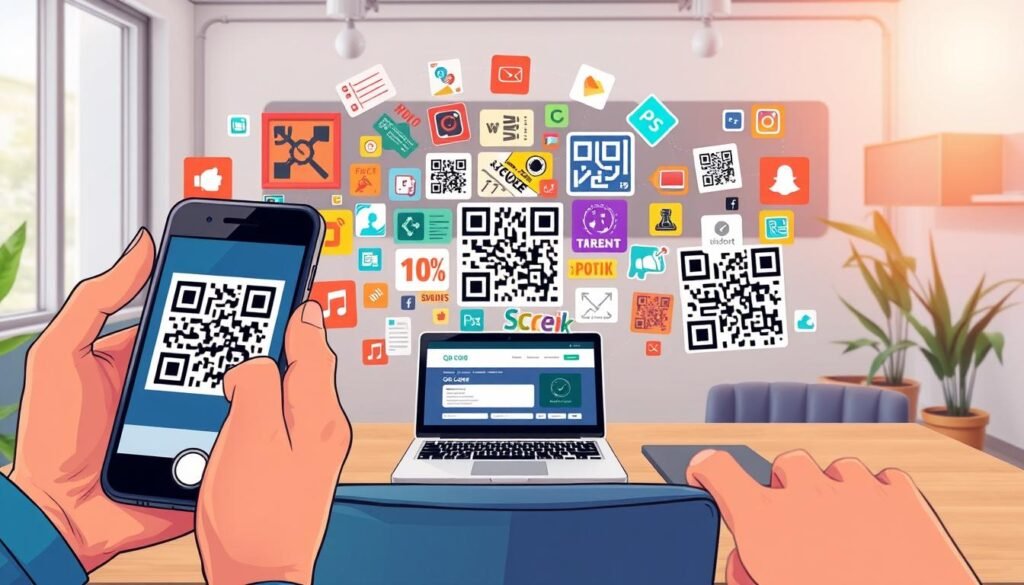
How to Create QR Codes Fast with an Online Free QR Code Generator
Creating a QR code can be quick and easy if you know the steps. Let’s walk through the process together, so you can see just how painless it is. The best part? You don’t need to be tech-savvy to get it done!
Choose Your QR Code Type
First up, you’ll pick what kind of code you need. Most platforms offer a variety of options right on their homepage. You can choose from a website URL, a PDF file, a vCard contact, or even a direct link to your social media. Just click the type that matches what you’re trying to do and paste in your content. This whole step takes maybe ten seconds!
Customize Your Code Quickly
Next comes the fun part—making it look good! You can tweak the colors, round the corners, or switch up the pattern style so it doesn’t look like every other boring black and white square out there. Many tools let you see a live preview as you play around, so you know exactly what you’re getting. If you want to add a logo, that’s usually an option too.
Download and Share Instantly
Once you’re happy with how it looks, hit download and pick your file format. PNG is great for digital use, while SVG or PDF is ideal if you’re sending it to a print shop. The whole flow from landing on the page to having a finished code on your computer is designed to be super simple. No account needed for the basics, no waiting around—just instant access to a code you can start using right away.
You’ll be surprised at how fast you can go from “I need a QR code” to actually holding one in your hand, ready to share.
| Step | Description | Time Required |
|---|---|---|
| Choose Type | Select the type of code you need (URL, PDF, etc.) | ~10 seconds |
| Customize | Adjust colors, styles, and add logos | Varies |
| Download | Save your code in the desired format | Instant |
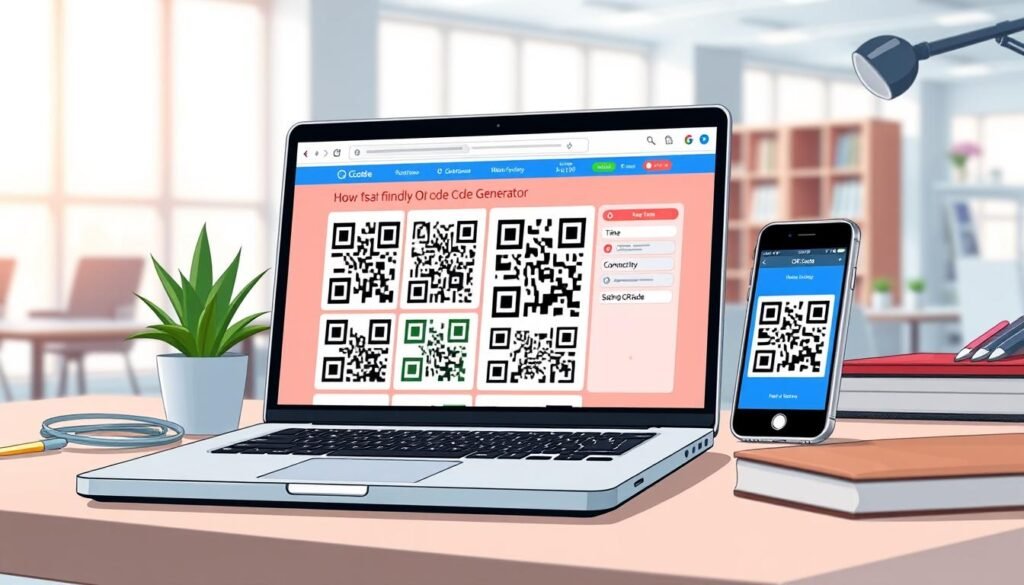
Different Types of QR Codes and When to Use Them
Understanding the types of QR codes can help you choose the right one for your needs. Not all codes are created equal, and picking the right one can save you a ton of headaches down the road. Let’s start with the big divide: static codes versus dynamic codes.
Static vs. Dynamic Codes
A static code has its information baked right in. Once you create it, that’s it. It will work forever and has no scan limits. This makes it perfect for things like a WiFi password or a fixed website URL that won’t change.
On the other hand, dynamic codes offer more flexibility. You can change where the code points to later without needing to reprint anything. Plus, you can track how many people scanned it, where they were, and what device they used. This is especially useful for marketing campaigns, allowing you to adjust your strategy on the fly.
Popular QR Code Types: URL, Contact, PDF, and More
Now, let’s talk about specific types of codes you might encounter:
- URL Codes: These are the most common. They send someone straight to a website or landing page.
- Contact Codes: Also known as vCard codes, these let people save your name, phone number, and email to their phone with just one scan.
- PDF Codes: Great for sharing menus, brochures, or guides without forcing people to download an app.
- SMS Codes: These allow users to send a pre-written text message with a single scan.
- Phone Call Codes: Scanning these will start a phone call to a specified number.
- Multi URL Codes: These link to multiple URLs from a single scan, perfect for campaigns that require more than one destination.
Each type has its sweet spot, and matching the code type to what you want the person on the other end to do is key. By knowing your options, you can create a more effective and engaging experience for your audience.
| Type of QR Code | Features | Best Use Cases |
|---|---|---|
| Static | Fixed data, never expires | WiFi passwords, business info |
| Dynamic | Edit destination, track scans | Marketing campaigns, event promotions |
| URL | Directs to a website | Landing pages, promotions |
| Contact (vCard) | Saves contact info | Networking, business cards |
| Links to documents | Menus, brochures |
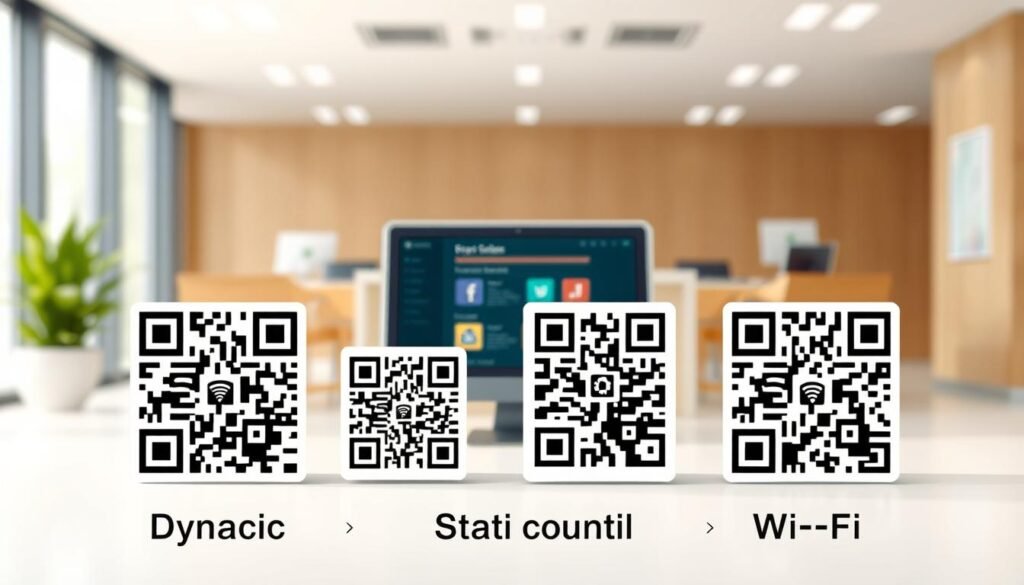
Designing Your QR Code: Colors, Logos, and Styles
Let’s dive into the fun part of creating your code—designing it! A plain black and white QR code works fine, but adding some personality can actually get more people to pull out their phones and scan it. The trick is knowing how far you can push the design without breaking the code’s readability.
Adding Your Logo Without Losing Scannability
You can absolutely add your brand’s logo right in the middle of a QR code, and it’ll still work as long as you don’t cover more than about 30% of the total area. That’s because QR codes have built-in error correction, which is basically a safety net that lets part of the code be obscured while still scanning correctly.
When you add a logo, make sure you’re using a generator that handles the placement properly so you don’t accidentally mess up the positioning patterns. This way, your brand shines through without compromising functionality.
Playing with Colors and Shapes
Now, colors are another easy win. You can change the black squares to match your brand colors or even use a gradient for a more modern look. Just keep one rule in mind: the dark parts need to stay darker than the background. Light-colored codes on white backgrounds are a recipe for frustration because most scanner apps won’t pick them up.
You can also play with the shape of the squares and the corner elements, rounding them out or switching to dots for a softer feel. All these little tweaks add up to a code that actually catches someone’s eye instead of blending into the background.
Why Design Matters for Getting More Scans
Good design isn’t just about looking pretty; it directly impacts whether someone bothers to scan your code or scrolls right past it. Attractive QR codes can increase the number of scans, making your efforts in design well worth it. By creating a visually appealing code, you enhance the likelihood that it will engage your audience and drive action.
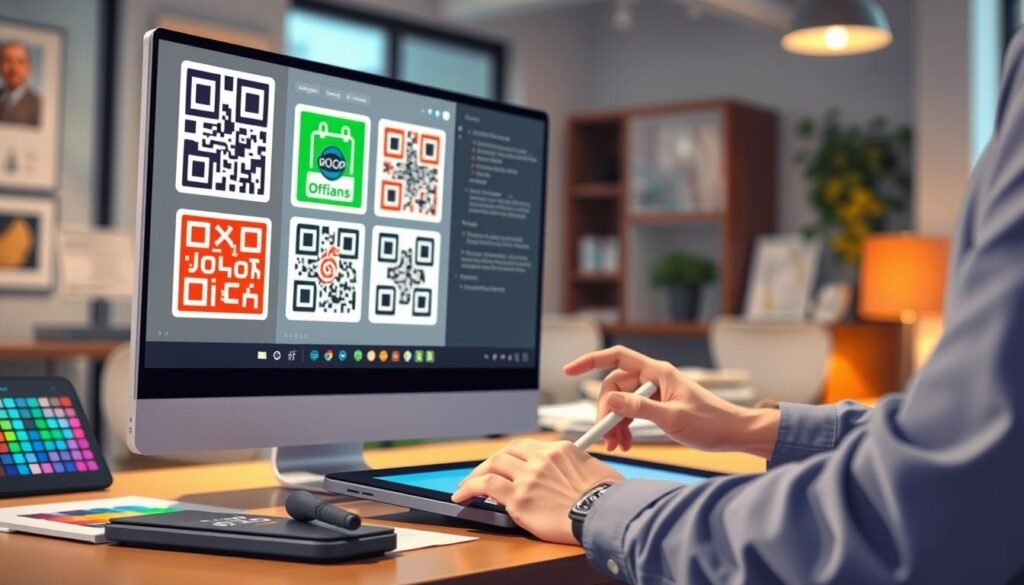
Downloading Your QR Code: File Formats and Print Quality
You’ve put in the effort to design a fantastic QR code, but let’s ensure you download it in the right format. This choice is crucial to avoid any blurry mess when you actually use it. The format you pick will depend on where your code is going to be displayed.
Choosing Between PNG, SVG, PDF, and EPS
If you’re planning to share your code on a website, social media, or in an email signature, a PNG file at around 300×300 pixels is your best bet. It’s compact, loads quickly, and looks sharp on any device screen.
However, if your QR code is destined for print—think flyers, posters, or packaging—you’ll want to opt for a vector format. SVG is the gold standard here. It retains all your design settings, scales beautifully to larger sizes, and works well with most graphic design software like Illustrator or Inkscape.
While PDF and EPS formats are also solid choices for print, be cautious. Some generators limit design features in these formats, so double-check before you hit download.
Best Settings for Print vs. Web Use
Size is essential. For print, your QR code should be at least 1 x 1 inch (2.5 x 2.5 cm). If people will scan it from further away, consider making it larger. A good rule of thumb is about 0.8 inches of code size for every 10 feet of scanning distance.
For digital use, don’t go below 200 pixels, or you risk it being too small for phone cameras to pick up. Always test your downloaded code on multiple devices before committing to large-scale printing. A quick scan with your phone can save you from a costly do-over.
Smart Places to Use Your QR Code for Maximum Impact
You’ve got a brand new QR code, but where should you showcase it for maximum visibility? The answer is simple: anywhere your audience is already looking! Let’s dive into some smart placement ideas that can boost engagement.
Marketing Materials: Flyers, Posters, and Packaging
Marketing materials are classic spots for your QR code. But don’t just tuck it away in a corner. Make it prominent! Consider adding a message like, “Scan for 10% off your first order!” or “See the full menu!” This invites people to engage.
On product packaging, a QR code can link to setup instructions, recipe ideas, or warranty details. It turns a simple box into an ongoing connection with your customer. Imagine someone scanning your code and instantly accessing a helpful video or a special offer!
Business Cards and Event Badges
Business cards are another no-brainer. Instead of cramming every social handle and website onto a tiny piece of paper, one QR code can hold your phone number, email, LinkedIn, and portfolio link all at once. This makes sharing your contact details a breeze.
Event badges work similarly, allowing attendees to swap contact info without fumbling for a pen. It’s efficient and makes networking easier for everyone involved.
Signs, Storefronts, and Digital Displays
For physical locations, storefront windows and sidewalk signs with QR codes can pull in foot traffic even when you’re closed. Someone walking by at 10 PM can scan the code, browse your menu, and decide to come back tomorrow.
Digital displays deserve some love too! A QR code on a presentation slide, a Zoom background, or a digital menu board gives people instant access to whatever you’re discussing without making them type out a long URL.
The key to any placement is making the code easy to spot and giving a clear, compelling reason to scan it. A code sitting by itself with no context is just a weird square. But a code next to “Scan to get the recipe!” is an invitation.
How Businesses and Industries Make the Most of QR Codes
Many businesses are discovering innovative ways to integrate QR codes into their daily operations. Different industries are finding smart uses for these codes that enhance customer experience and streamline processes.
In retail, stores are putting codes on shelf tags that link straight to product reviews or demo videos. This allows customers to learn more without hunting down an employee. Some shops even use them for contactless checkout, letting people scan and pay right from their phone.
Retail, Real Estate, and Hospitality
Real estate agents have it especially good. A single code on a for sale sign can take potential buyers to a virtual tour, high-resolution photos, and the agent’s contact info all at once. No more printing expensive brochures that end up in the trash.
Hospitality was one of the first industries to really embrace QR codes, and for good reason. Restaurants swapped out laminated menus for table codes that link to digital menus, which are much easier to update when dishes change. Hotels use them in lobbies for local attraction guides and at checkout for quick feedback surveys.
Healthcare, Education, and Events
In healthcare, codes on appointment cards or prescription bags can link to check-in forms, telehealth links, or medication instructions. Schools and universities put codes on assignment sheets that take students straight to the reading material or a video lecture.
Event organizers use them for everything from digital ticket scanning at the door to live schedule updates during a conference. The common thread across all these industries is that QR codes cut down on friction. They get people to the right information in one step—no typing, no searching, no hassle.
| Industry | Use Cases | Benefits |
|---|---|---|
| Retail | Contactless checkout, product info | Convenience, quick access |
| Real Estate | Virtual tours, property details | Efficiency, reduced printing costs |
| Hospitality | Digital menus, feedback collection | Easy updates, customer engagement |
| Healthcare | Appointment links, telehealth | Streamlined processes, better access |
| Education | Lesson handouts, learning resources | Improved learning experience |
| Events | Digital tickets, schedule updates | Enhanced attendee experience |
Get Started Today and Unlock the Full Potential of QR Codes
Ready to unlock the power of a simple square? Let’s get started! Making a QR code isn’t some complicated tech project. It’s something you can do right now in the time it takes to finish your coffee.
The tools are fast and they don’t lock you into anything. Whether you need a simple static code for a one-off project or a dynamic one you can update later, there’s an option that fits your needs.
You don’t need to register or hand over your data. Just pick a generator, choose your code type, tweak the design if you want, and download. That’s really all there is to it!
If you’ve still got questions, most platforms have help centers and FAQ pages to guide you. The best way to get comfortable is to just try it. Make a test code, scan it with your phone, and see how it looks.
Once you do it the first time, you’ll spot opportunities to use codes everywhere. Your business cards, event flyers, and shop signs can all connect the physical world to the digital one. So go ahead, open up a free code generator and make something amazing!