
Are you looking for an easy way to create QR codes? You’ve come to the right place! This tool is designed to help you generate codes quickly and without any hassle. Trusted by over 4 million users, it’s perfect for anyone who needs reliable QR codes for personal or business use.
With just three simple steps, you can create your own unique codes. First, choose the type of code you need. Next, customize it to fit your style. Finally, hit download and you’re all set! What’s even better? You get unlimited static codes and two dynamic ones at no cost, with no hidden fees.
This isn’t just a one-time deal; the codes you create will remain active forever. Whether you’re using them for business cards, posters, or even billboards, you can count on high-quality output every time. Think of this as your go-to sidekick for turning links, files, or contact cards into scannable codes in seconds!
Key Takeaways
- Create QR codes quickly and easily with no hidden fees.
- Get unlimited static codes and two dynamic codes for free.
- High-quality output suitable for various uses, including print.
- Codes remain active forever with no expiration date.
- Perfect for personal or business applications.
What Is a QR Code Generator and Why You Need One
A QR code generator is a handy tool that allows you to create unique codes for various purposes. These codes can store a wealth of information, such as URLs, contact details, or text, all packed into a grid of black and white squares. When scanned, they provide quick access to the information you’ve stored.
Most smartphones today come equipped with built-in scanning capabilities, making it easier than ever to use these codes. Just point your camera at the code, and voilà! The scanner decodes the information in an instant. This contactless method links the physical world to digital content seamlessly.
Quick intro to QR codes and how they work
- A QR code is like a supercharged barcode. It holds far more information than traditional barcodes found on products.
- When someone scans your code, their device decodes the pattern, pulling up whatever you’ve stored—be it a website, PDF menu, or contact info.
- There are two main types of codes: static, which have fixed data, and dynamic, which allow you to change the destination later without needing to reprint.
Why having your own generator makes life easier
Having your own code generator simplifies the process. You won’t need to rush to a website every time you want to create a new code. Instead, you can generate codes directly from your desktop or mobile device, keeping your data private.
The scanning process is so smooth these days that most people just open their camera, point, and tap the notification that appears. This convenience saves time and enhances user experience.
Businesses love using these codes because they create a bridge between physical items, like flyers, and digital content, such as landing pages. With just one quick scan, users can access a wealth of information.
Once you start using your own generator, you’ll wonder why you ever relied on online tools that limit your scans or add watermarks to your creations. It’s all about efficiency and customization!
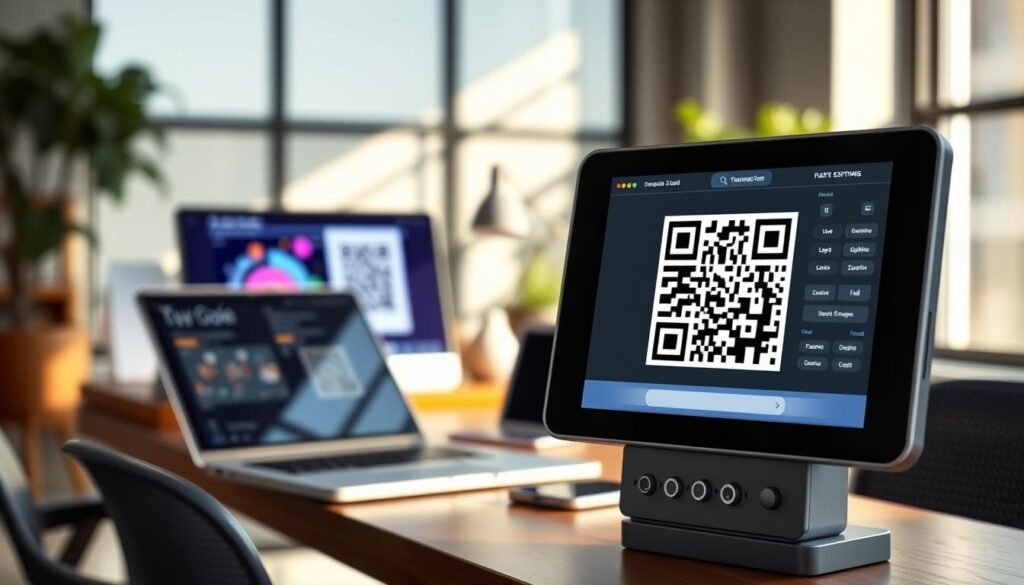
How to Get Your QR Code Generator Download and Start Creating
Creating your own codes is just a few clicks away! Follow these simple steps to get your app and start generating codes in no time.
Steps to download and set up
Getting the generator onto your device takes about as much time as brewing a cup of coffee. You won’t need to dig through any confusing settings or permissions to make it happen.
- Head over to the official site or your device’s app store, grab the download, and let the installer do its thing while you think about what kind of codes you want to create first.
- Once the app opens up, you’ll see a clean dashboard that doesn’t throw a million options at you all at once. This way, you can jump right into picking your QR type without feeling overwhelmed.
- The whole setup is designed so you can generate code within minutes of installing, even if you’ve never touched a QR tool before in your life.
What to expect after installation
After installation, you’ll have everything at your fingertips. Enjoy all the customization panels, format choices, and the ability to make code after code without hitting any paywalls or limits.
- One of the best parts is that you can create code offline and save your projects locally. This means you’re not dependent on an internet connection when inspiration strikes.
- The generator also plays nice with your existing workflow. There’s a Chrome extension that lets you turn any webpage into a QR code without even leaving your browser tab.
- Expect to spend less time fussing with settings and more time actually using your codes. The interface cuts out all the fluff and gets straight to what matters.

Key Features That Make This QR Code Generator Stand Out
Imagine having the ability to design your own codes that truly reflect your brand. This tool offers exciting features that let you customize every aspect of your codes. From colors to sizes, you can make your codes uniquely yours.
Customize colors, sizes, and styles to match your brand
You get full control over how your codes look. Swap out the standard black squares for colors that match your brand palette. Adjust the corner patterns and body shapes until everything feels just right.
The design panel lets you choose from styles like rounded edges, smooth dots, or classic squares. You can also tweak the background with pixel or square patterns that make your code image stand out in a crowd.
Add your logo and design elements with ease
Adding your logo is a breeze. Just upload it, position it in the center, and the built-in error correction keeps the code scanner happy even when your branding covers up to 30 percent of the pattern. When you add logo code elements, the generator tests scannability in real time. This way, you won’t end up with a pretty design that nobody’s phone can read.
Download files in high resolution and multiple formats
Download formats cover all your bases. Grab a PNG for quick digital sharing, or choose SVG or EPS vector files when you need to scale up for print without losing any quality. This flexibility ensures that your codes look great whether on a business card or a billboard.
Track scans and update codes with dynamic options
The dynamic options are where things get really useful. You can change the destination URL behind a code anytime without reprinting. Plus, scan tracking shows you exactly where, when, and on what devices people are engaging with your content.
For teams, the collaboration features let up to five people manage codes from one dashboard. This means your marketing crew can update links and check scan data without stepping on each other’s toes.
| Feature | Description |
|---|---|
| Customization | Choose colors, styles, and sizes to match your brand. |
| Logo Integration | Easily add your logo with error correction for scannability. |
| Download Formats | Available in PNG, SVG, EPS, and PDF for various uses. |
| Dynamic Codes | Update URLs without reprinting and track scan data. |
Explore the Different Types of QR Codes You Can Create
There are various types of codes you can create, each serving a unique purpose. Understanding these options can help you maximize your engagement and make the most out of your marketing efforts.
Website URLs and multi-link pages
Website URL codes are the bread and butter of QR usage. You can drop them on flyers, product packaging, or posters and send people straight to your landing page or online store with one quick scan. Multi-link pages take things up a notch by packing several destinations into a single code. This means someone scanning your code can choose between your website, a video, and your social profiles all from one spot.
Contact info (vCard), email, SMS, and phone codes
Contact codes built with the vCard format let people save your name, phone number, email, and address to their phone instantly. This beats the hassle of typing everything manually at a networking event. Email and SMS codes pre-fill messages for your audience, allowing them to send you a quick note or text without typing a single word. Phone codes turn a scan into an instant call, which is great for storefront signs or service flyers.
PDFs, plain text, WiFi access, and app download links
Plain text codes are the unsung heroes of offline sharing; they display short messages or instructions right on the screen without needing an internet connection. WiFi access codes are a lifesaver for cafes, offices, and events, allowing guests to connect without hunting down a password. App download links detect whether someone’s on an iPhone or Android and send them to the right store automatically. Lastly, PDF codes let you share brochures, menus, or guides as downloadable files, and with dynamic options, you can swap out the file later without changing the printed code.
Every type of code you make serves a specific purpose. Once you start mixing and matching them across your materials, you’ll find new ways to connect with people every day.
| Type of Code | Description |
|---|---|
| Website URL | Directs users to a specific webpage or online store. |
| Multi-link | Links multiple destinations in one code for user choice. |
| Contact (vCard) | Saves contact details directly to a user’s phone. |
| Pre-fills an email for quick communication. | |
| SMS | Pre-fills a text message for instant sending. |
| Phone | Enables one-tap calling from the scan. |
| Plain Text | Displays messages or instructions without internet. |
| WiFi Access | Allows easy connection to WiFi networks. |
| App Download | Directs users to the appropriate app store. |
| Shares documents like menus or brochures as downloadable files. |
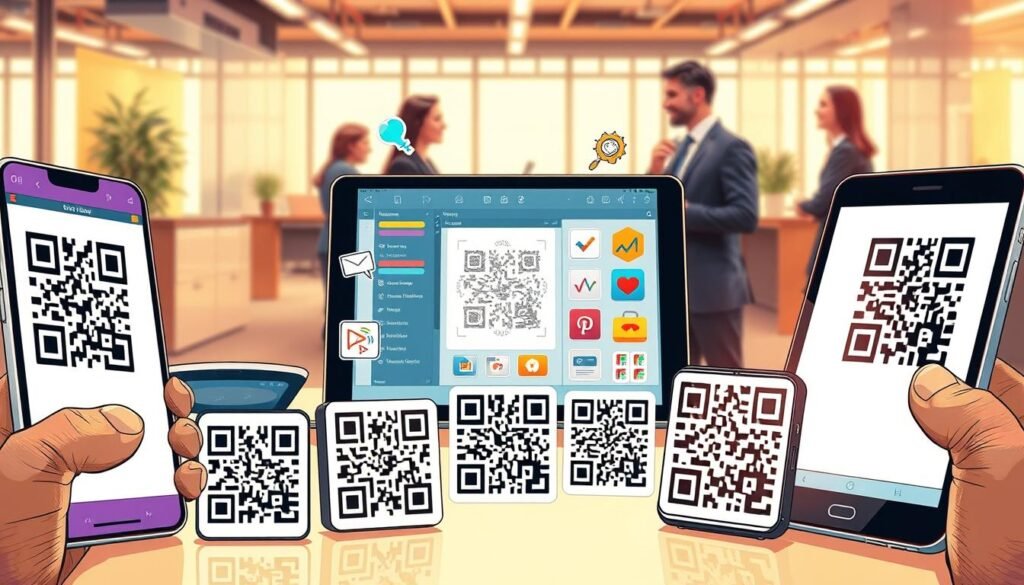
Best Places to Use Your QR Codes for Maximum Impact
Unlock the potential of your codes by strategically placing them in various locations. This will help you engage your audience and drive traffic effectively. Here are some practical ideas to get you started:
Packaging, business cards, and signage
Product packaging is prime real estate for a code. Stick one on your box or label, and customers can access assembly instructions, how-to videos, or warranty info without digging through your website. It’s a great way to enhance customer experience right from the start.
Business cards also get a serious upgrade when you replace cluttered text with a single code. This allows someone to save your full contact details, website, and LinkedIn profile directly into their phone with just one scan.
Storefront windows and outdoor signage work around the clock, even when you’re closed. Let passersby browse your menu, check out new arrivals, or leave a review at any hour.
Posters, flyers, and store displays
Posters and flyers become interactive when you add a code that sends people to an event registration page, a special offer, or a video explaining your campaign. This adds an engaging element to your printed materials.
In-store displays with codes let shoppers pull up product specs, compare prices, or watch demos right on the spot. This can tip them toward a purchase without needing a salesperson nearby.
Tables, counters, and email signatures
Tables and counters at restaurants or waiting areas are perfect for codes that show menus, collect tips, or ask for feedback while people are already sitting there with their phones out. This makes it easy for customers to interact with your brand.
Email signatures might seem small, but adding a code to your footer gives recipients a one-tap way to book a meeting, save your contact, or follow your social media without hunting for links. It’s a subtle yet effective way to promote your online presence.
The key to placement is putting your code where people already have their phones in hand and a reason to engage. Testing different spots will help you see what gets the most scanning action.
Remember, print quality matters. Codes on packaging and signage need to be sharp and sized right for the distance people will scan from. Always use high-resolution downloads for physical materials.
| Placement Area | Benefits |
|---|---|
| Product Packaging | Access to manuals, videos, or warranty info. |
| Business Cards | Instantly saves contact details and profiles. |
| Storefront Signage | Allows browsing of menus and new arrivals anytime. |
| Posters and Flyers | Directs to events, offers, or informative videos. |
| In-Store Displays | Enables product specs and demos on demand. |
| Tables and Counters | Displays menus and collects feedback effortlessly. |
| Email Signatures | One-tap access to meetings and social media. |
Why Millions Trust This QR Code Generator Download for Their Needs
Millions of users rely on this tool for creating their own unique codes. It’s no surprise that over 4 million people have put their trust in this code generator. A big reason for this is its commitment to user data and transparency. There are no hidden charges or surprises after you’ve built your campaign around the codes.
Static codes you create will keep working forever. There are no scan limits or expiration dates, so you can confidently print them on packaging or signage. This reliability means your codes will always function when your audience needs them.
The free code offering includes two dynamic QR codes that never expire. This feature gives you the flexibility to update destinations and track scans without spending a dime. It’s a fantastic way to keep your content fresh and engaging.
Customer support is another highlight. The team is reachable around the clock via email or phone. They respond quickly to resolve any issues, ensuring your codes stay up and running smoothly.
Businesses across various sectors, including retail, real estate, healthcare, education, events, and hospitality, trust this generator. Its versatility makes it suitable for any industry, allowing users to adapt it to their specific needs.
Your data remains yours. The generator doesn’t store or reuse your information. Codes point directly to your own URLs, avoiding any third-party redirects that could raise concerns.
Feedback from creatives and small business owners consistently praises this tool. It delivers professional results without the hefty price tag or steep learning curve. When you make code after code for different campaigns, you’ll appreciate the flexible pricing. You only pay for extra features or additional dynamic codes when you actually need them.
Lastly, the platform holds globally recognized security certifications. If you’re creating codes for sensitive information, such as healthcare forms or real estate listings, you can feel confident about your privacy.
Ready to Create Your First QR Code? Download Now and Get Started
Want to effortlessly connect with your audience through scannable links? Start now! Download the app for free and begin creating unlimited static codes right away. No account is needed for basic use, so you can dive right in.
The free code you create today could be on a business card or a product label by tomorrow, making your marketing efforts modern and engaging. Setting up is a breeze; you’ll be generating professional-looking codes before you finish your next cup of coffee.
With this app, you can make code after code without limits. If you want to add logo branding or explore advanced tracking, the Flex plan is available whenever you’re ready. So go ahead and hit that download button; your first scannable link is just a click away!